




Using a robot vacuum on multiple floors is simple: move it between levels, save a separate map for each floor, then start cleaning as usual. Most robot vacuums cannot climb stairs, but with the right setup they can still clean an entire multi-level home efficiently.
Quick Summary
-
Most robot vacuums can clean multiple floors, but you need to move them between levels manually.
-
Save a separate map for each floor to avoid navigation errors and missed areas.
-
Floor-specific schedules, no-go zones and strong Wi-Fi help improve cleaning performance.
-
One dock can work, but a dock on each floor makes cleaning more hands-free.
-
Advanced models with smarter mapping and navigation make multi-floor cleaning easier to manage.
In this guide, you’ll learn whether robot vacuums can clean multiple floors, how to prepare before the first run, how to clean each level step by step, and how to solve common multi-floor problems. You’ll also see when it makes sense to add extra docks or upgrade to a more advanced model.
Can Robot Vacuums Clean Multiple Floors in One Home?
Yes, most modern robot vacuums can clean multiple floors in one home as long as you move them between levels. They use mapping and navigation technology to create and store separate floor plans, which helps them clean efficiently on each level.
However, most robot vacuums cannot climb stairs. In a multi-storey home, you will need to carry the robot vacuum to each floor you want cleaned. With proper map setup, this still makes it easy to keep every level clean.
How to Set Up a Robot Vacuum Before the First Multi-Floor Clean
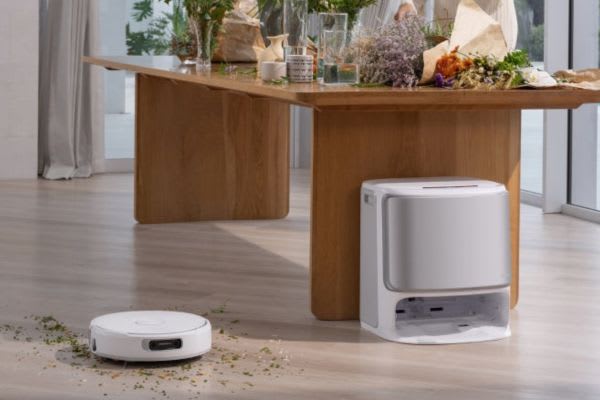
Do not press “Start” just yet. A quick setup helps the robot map more accurately, navigate more smoothly and clean better on every floor.
Before the first clean on any level:
-
Clear cords, toys, small rugs and low-hanging drapes that could block the robot
-
Close doors to rooms you do not want included in the map
-
Make sure Wi-Fi is strong enough for app control and map syncing
-
Place the dock on a hard, open surface with enough clearance around it
-
Switch to mapping mode first if your model supports separate mapping
-
Let the robot complete its first run without interruptions
For multi-floor homes, repeat this process on each level so the robot can save an accurate map for every floor.
Step-by-Step: How to Use a Robot Vacuum on Multiple Floors
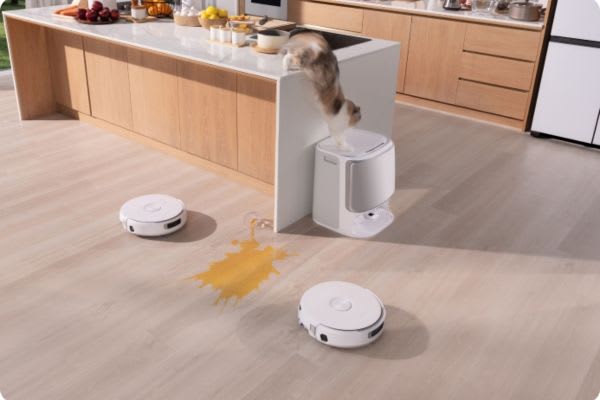
If you want to use one robot vacuum across multiple floors, the process is straightforward. The key is saving each floor map and selecting the correct one before each clean.
1. Start on Floor One
Place the robot and its dock on the first floor. Let it complete a full clean and return to charge. Most modern models will save the map automatically, especially when the session starts from the app.
If your robot supports multi-floor mapping, give the map a clear name after the run.
2. Move to the Next Floor
Once the first floor is finished:
-
Pause or turn off the robot
-
Carry the vacuum to the next floor
-
Move the dock as well if needed
-
Place the robot in an open area so it can orient itself properly
Some users keep the dock only on the main floor. That can still work, but the robot should have enough charge before cleaning another level.
3. Select the Correct Map
Open the app and choose the correct saved map before starting a new clean. This tells the robot where it is and helps it follow the right route.
Skipping this step can cause problems such as missed rooms, poor navigation or docking failure.
4. Let It Clean
After selecting the correct map, start the clean and let the robot work without interruption. Picking it up mid-cycle or moving it around can affect its positioning.
If your model supports real-time recognition or automatic map switching, the process can be even easier.
5. Repeat as Needed
For homes with three or more floors, repeat the same process on each level. Once the maps are saved, there is usually no need to remap unless the layout changes significantly.
A simple routine can help. Many households clean one floor per day instead of moving the robot up and down constantly.
6. Charging Between Floors
If you only use one dock:
-
Return the robot to its main dock after cleaning
-
Fully recharge it before starting another floor
If your model supports multiple docks, placing one on each floor makes multi-floor cleaning easier and more automated.
How to Keep a Robot Vacuum Cleaning Efficient on Every Floor
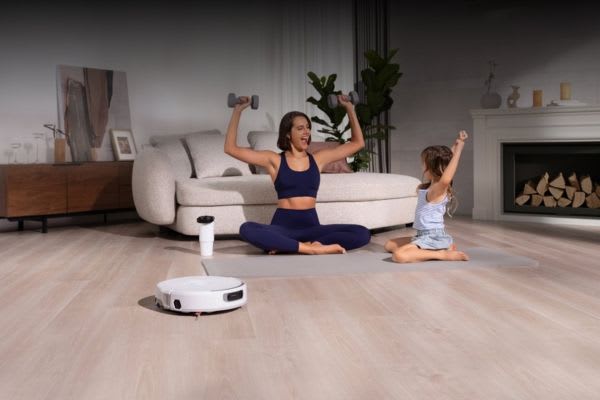
Saving maps is only the first step. To keep every floor clean with less effort, you need a few good habits.
Build a Cleaning Schedule by Floor
Set separate schedules based on how often each floor is used. For example:
-
Main floor: daily
-
Bedrooms: every other day
-
Basement: weekly
Many robot vacuums with multi-map support let you assign routines for each level through the app.
Always Load the Correct Map
When you move the robot to another floor, select the matching map before cleaning. If your vacuum supports automatic map switching, make sure that feature is enabled.
Define No-Go Zones Per Floor
Each level may have different furniture, pet areas or hazards. Set no-go zones and room dividers for each saved map to avoid stairs, cables, delicate rugs or other obstacles.
Keep Floor-Specific Docks If Possible
A dock on each floor allows the robot to recharge and resume cleaning more easily. If you only use one dock, remember to move it with the robot when needed or plan shorter cleaning sessions.
Don’t Skip Maintenance
Dirty brushes and sensors can reduce performance across different floors. Clean the brush roll and sensors every one to two weeks, especially if your home has a mix of carpet, tile and hard flooring.
Should You Set Up a Robot Vacuum Dock on Every Floor?
Not always, but it can make multi-floor cleaning much smoother.
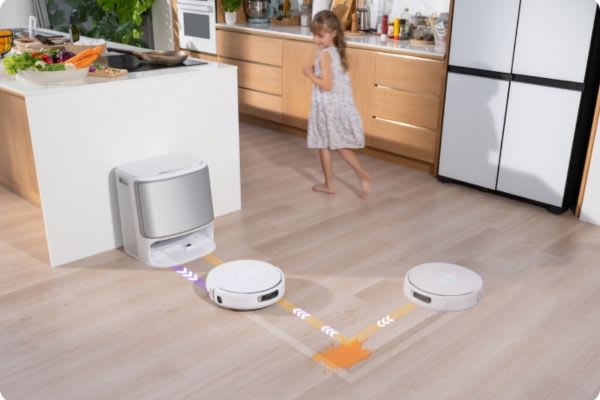
A robot vacuum with multi-floor mapping does not need a dock on every level to work. You can move the robot and its base manually. However, this reduces convenience and may interrupt recharge-and-resume functions.
If You Use One Dock Only
-
You need to move the robot and dock between floors
-
Cleaning may stop if the battery runs low before the session ends
-
The process is less hands-free, especially in larger homes
If You Add Docks to Each Floor
-
The robot can start and return to a dock on each level
-
Scheduled cleaning becomes easier to manage
-
Recharge and resume functions work more smoothly in larger homes
Our Tip
If each floor takes more than 30 minutes to clean or you are often away from home, a dock on every floor can save time and make cleaning more automatic.
One Robot Vacuum for Multiple Floors or One per Level?
One robot vacuum can clean multiple floors, but two or more can be more convenient if your home is large.
Use One Robot for All Floors If:
-
You do not mind carrying the robot between levels
-
Each floor is relatively small
-
You are comfortable cleaning on a rotating schedule
Get One Robot per Floor If:
-
Each floor needs frequent cleaning
-
You want fully independent schedules
-
Different levels have different floor types or cleaning needs
Here is a simple comparison:
|
Option |
Best For |
Trade-Off |
|
One robot for all floors |
Smaller homes or flexible routines |
Lower cost, more manual effort |
|
One robot per floor |
Larger homes or daily automation |
Higher cost, less hands-on work |
Troubleshooting Common Robot Vacuum Multi-Floor Problems
Even with good setup, multi-floor cleaning can still cause a few issues. Here are the most common problems and how to fix them.
1. Map Confusion After Switching Floors
If the robot gets lost or cleans the wrong area:
-
Select the correct map manually before starting
-
Make sure every floor has a complete saved map
-
If problems continue, remap the affected floor
2. Can’t Return to Dock
If the robot finishes cleaning but does not dock properly:
-
Place it near the dock before starting
-
Make sure the correct map is loaded
-
Consider adding a dock on that floor if supported
3. Weak Wi-Fi on Certain Floors
Poor signal can affect map loading and app control. If connectivity is weak:
-
Use a mesh Wi-Fi system or extender
-
Check signal strength on upper floors and in basements
-
Keep the robot firmware and app updated
4. Gets Stuck During Cleaning
If the robot gets trapped under furniture or around cables:
-
Add no-go zones in the app
-
Lift loose rugs if needed
-
Tidy cables before each run
5. Cleaning Stops Midway Due to Battery
If the robot runs out of charge before finishing:
-
Reduce the cleaning area for that session
-
Fully charge before moving to another floor
-
Add a dock on that level if your model supports it
Do Advanced Robot Vacuums Make Multi-Floor Cleaning Easier?
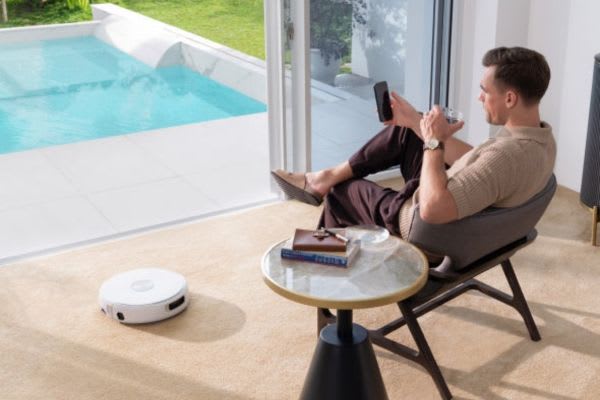
Yes, especially in multi-level homes. A more advanced robot vacuum can reduce setup friction, improve navigation and make multi-floor cleaning feel more automatic.
[cta:narwal-flow-robot-vacuum-mop]
Smarter Mapping Without Repeating Work
High-end robot vacuums can save multiple floor maps, so you do not need to remap every time you move the unit. Narwal Flow helps streamline this process by loading the correct map, adjusting settings for floor type and starting cleaning more efficiently.
Better Navigation, Less Babysitting
Basic models are more likely to get stuck or lose position. Narwal Flow uses dual RGB cameras and an AI chip to recognize over 200 object types with 0.19-inch accuracy, helping it avoid cables, chair legs and other obstacles more effectively.
Carpet-Specific Intelligence
For homes with mixed flooring, Narwal Flow uses CarpetFocus Technology to lower its brush cover and create a sealed airflow zone. This delivers 182% more suction power and twice the dirt pickup compared with standard robots.
Real-Time Self-Cleaning Mops
Multi-floor homes often mean more mess. Narwal Flow uses a FlowWash system that scrubs its mop in real time with 113°F warm water and 12N downward pressure, helping keep the mop cleaner as it moves through the home.
Cross-Level Friendly Design
Narwal Flow climbs 1.57-inch ledges, reaches corners and moves under furniture with its 3.7-inch ultra-slim body. This helps reduce manual repositioning around thresholds and tight spaces.
All-in-One Dock Keeps You Hands-Free
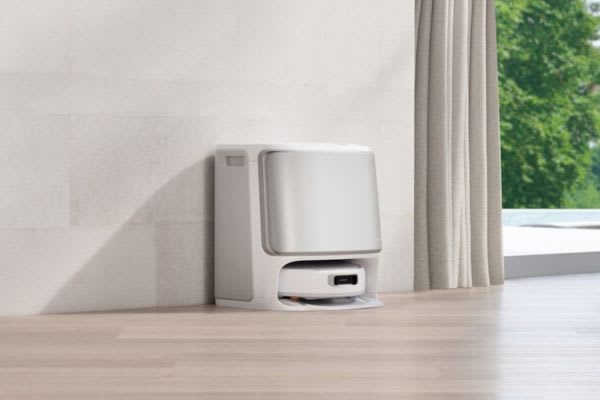
The AI-maintenance base station handles dust collection, mop washing, hot water sterilisation and auto-drying. That means less maintenance between cleaning sessions and less hands-on work overall.
Smarter Robot Vacuum Cleaning on Multiple Floors
Multi-floor cleaning does not need to be difficult. Once you save separate maps, build floor-specific schedules and set up docks where needed, one good robot vacuum can keep your home clean level by level.
Narwal robot vacuums are designed for real homes, from double-storey houses to compact townhouses, with advanced mapping, floor-type recognition, strong suction and real-time mop washing. Move the robot, open the app and let it handle the cleaning on each floor with less effort.
If you’re in Australia, explore the full range at Narwal Australia and compare the best robot vacuums for multiple floors to find the right fit for your home and lifestyle. Flexible payment options are also available, including Afterpay, Zip and Klarna.
FAQs
Do I need separate maps for each floor?
Yes. For a robot vacuum to clean multiple floors reliably, each level should have its own saved map. Name each map clearly, then select the correct one before cleaning or let supported models switch automatically.
What’s the best way to use a robot vacuum in a townhouse?
Treat a townhouse like any other multi-level home. Map each floor separately, keep the dock on the main level or add extra docks if supported, and create floor-specific schedules based on daily use.
Can a robot vacuum go up and down stairs by itself?
No. Most robot vacuums cannot climb stairs, so you will need to move the robot manually between floors.
Is one robot vacuum enough for a two-storey home?
Usually, yes. One robot vacuum is enough if you do not mind moving it between floors and each level is not too large. For bigger homes or daily automation, one per floor may be more convenient.
Does weak Wi-Fi affect multi-floor cleaning?
Yes. Weak Wi-Fi can interfere with app control, mapping and schedule syncing. A mesh network or Wi-Fi extender can help improve reliability across all levels.

