


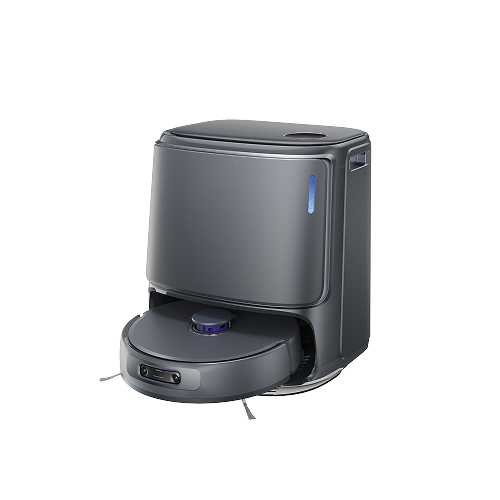
Narwal Freo Z10 Ultra - Robot Vacuum & Mop
- Systematic deep cleaning technology
- Intelligent wet/dry separation
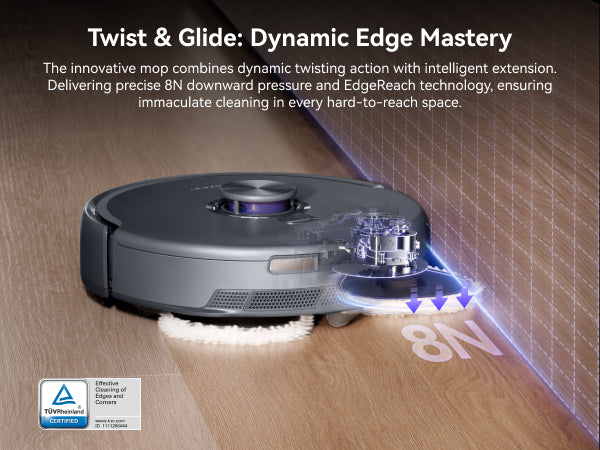
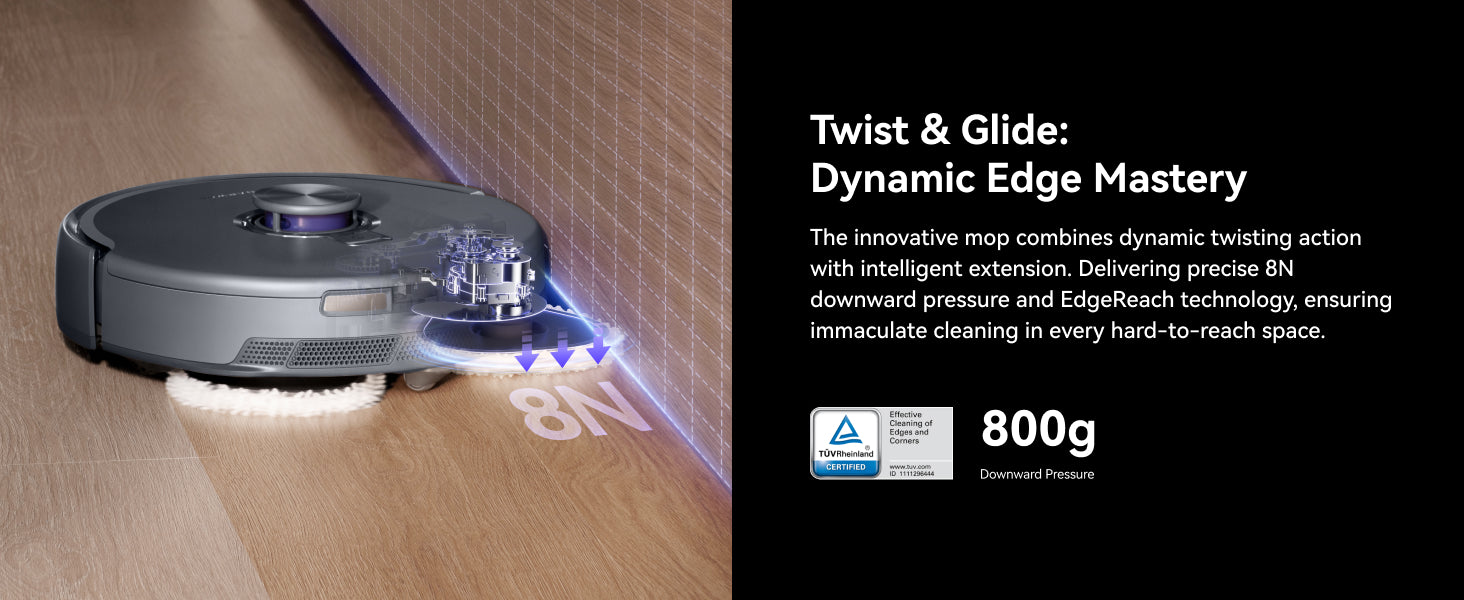
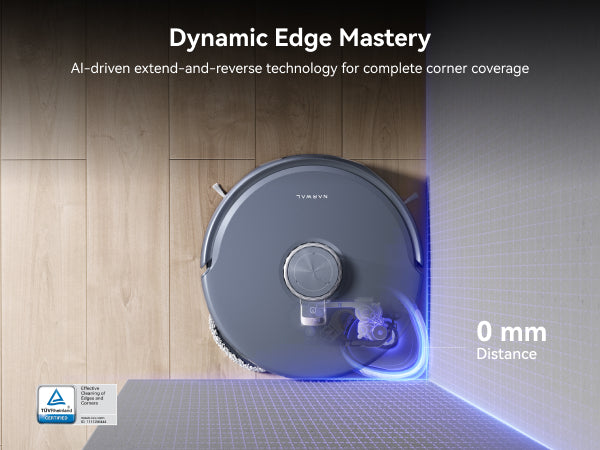
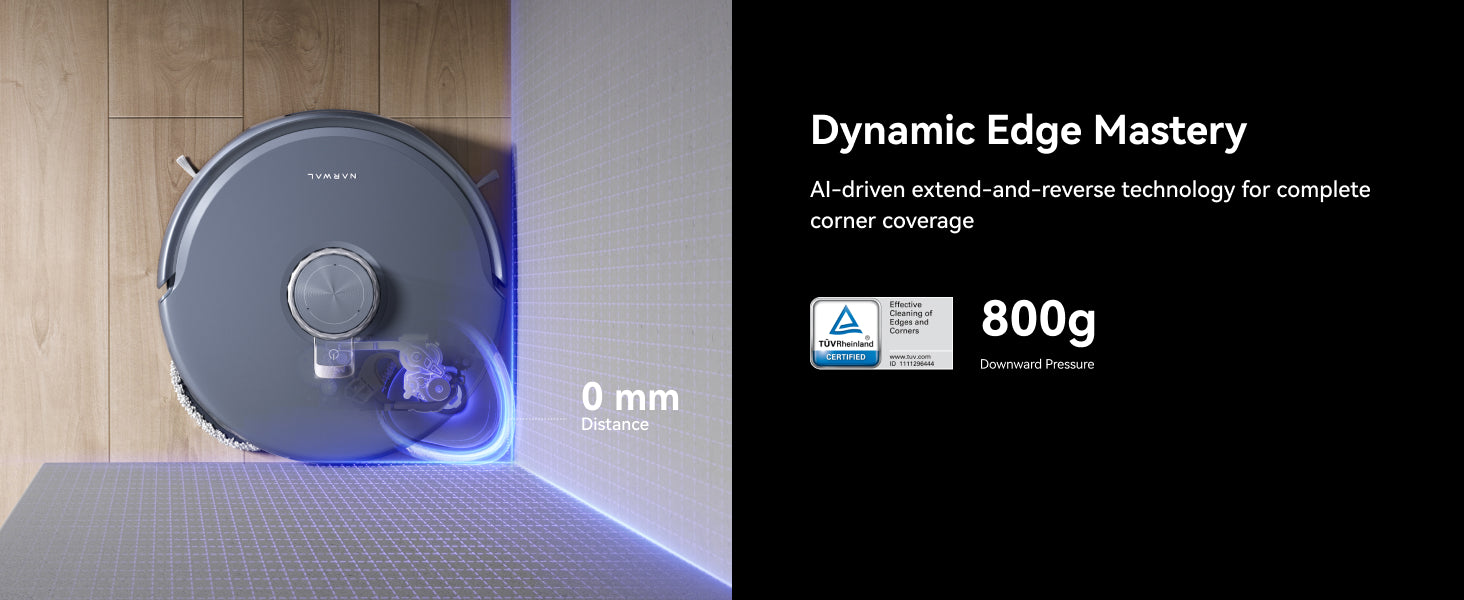
- Dynamic edge and corner cleaning
- NarMind™ Pro Autonomous System
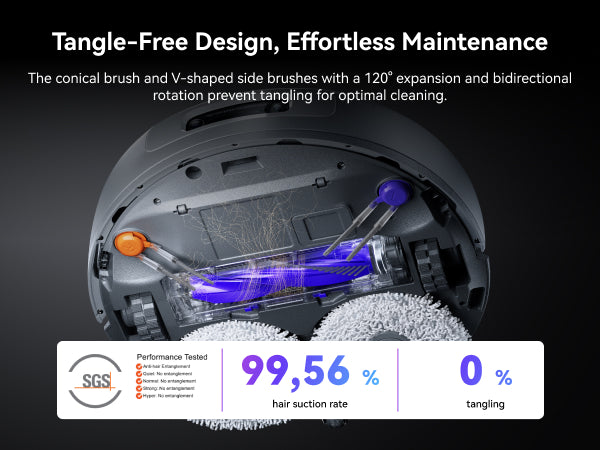
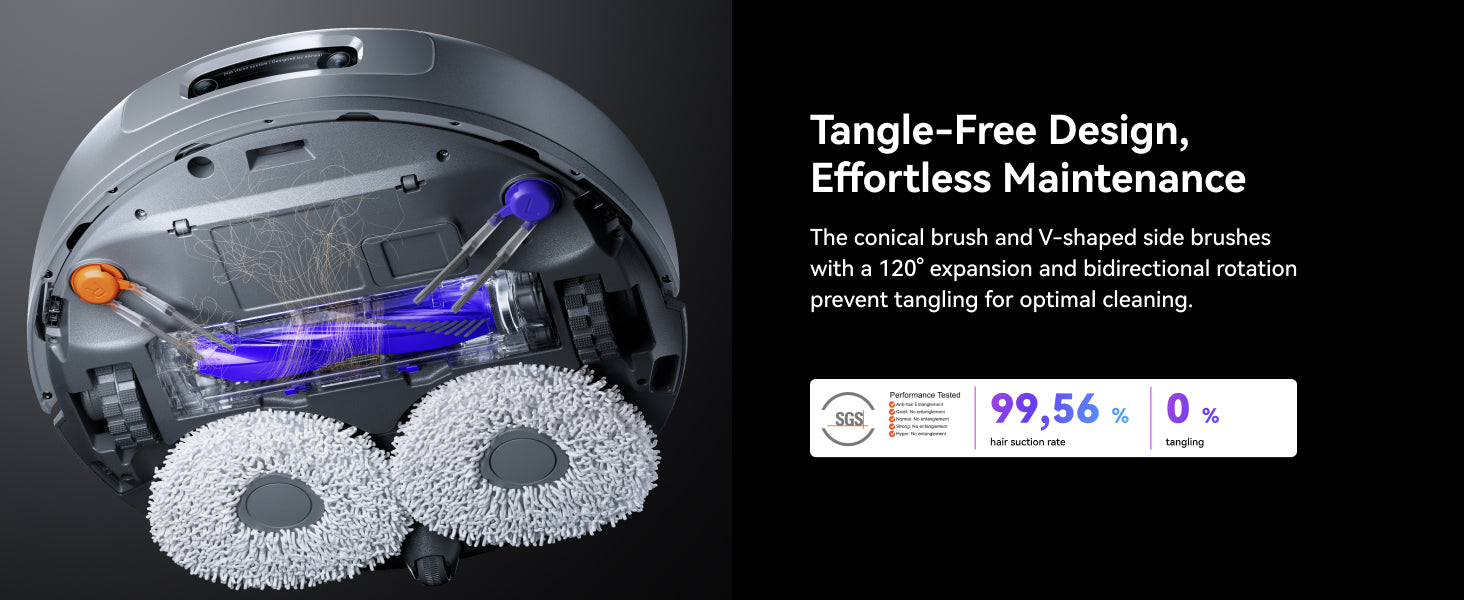
- DualFlow Tangle-Free system
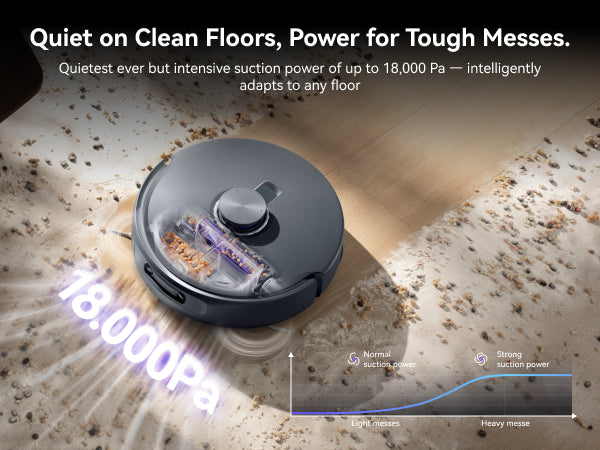
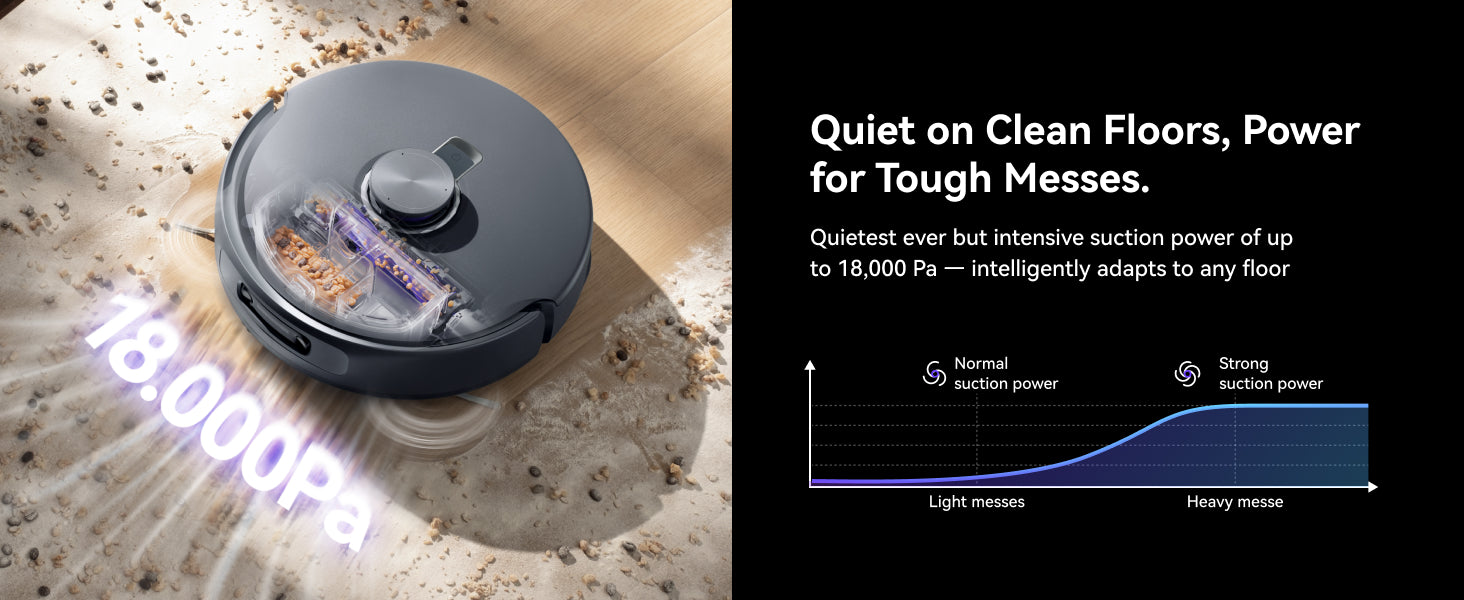
- 18,000Pa dynamic turbo suction power
Frequently Bought Together


Pay with ease
Shipped by Narwal


Narwal Freo Z10 Ultra - Robot Vacuum & Mop
Narwal Freo Z10 Ultra - Robot Vacuum & Mop
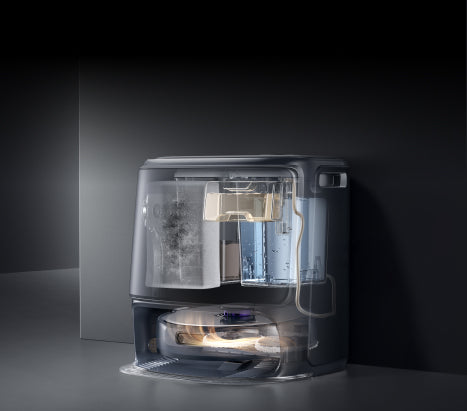
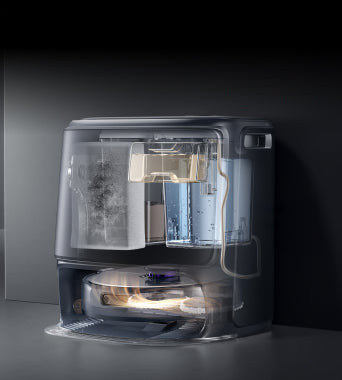
Hyper-Precise Avoidance and Cleaning
Spaces left clean, hazards left alone.
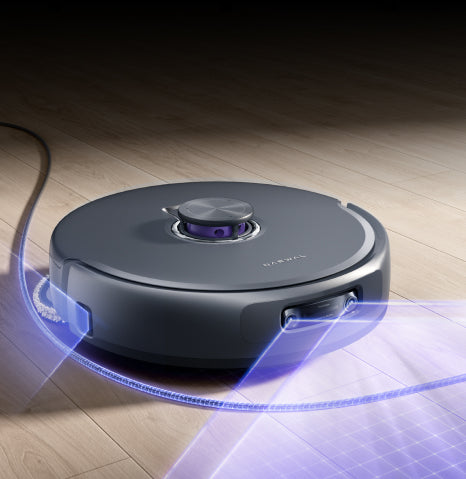
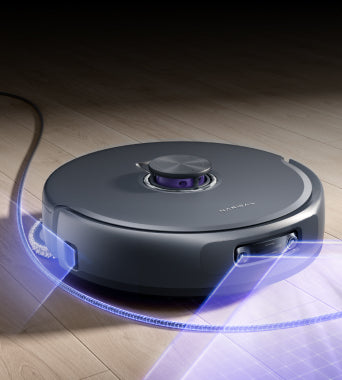
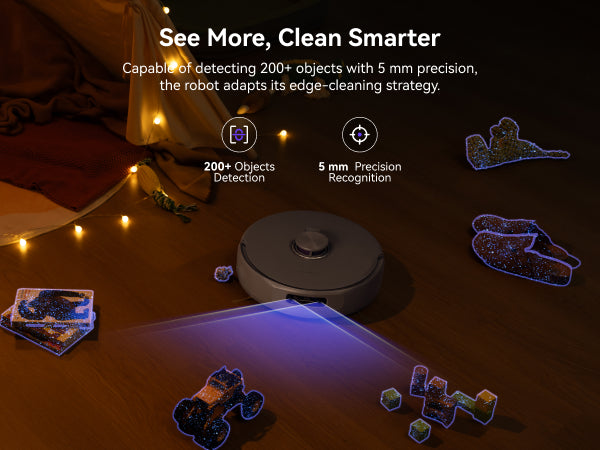
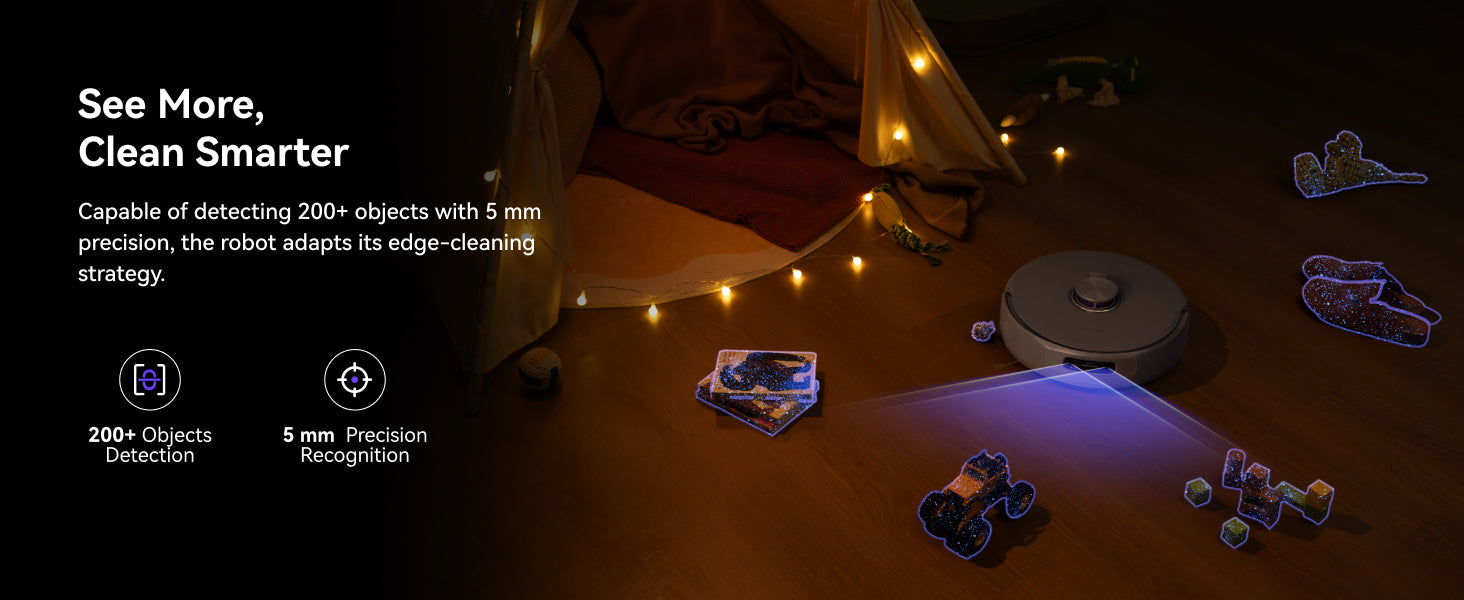
Sees Everything and Reacts Fast
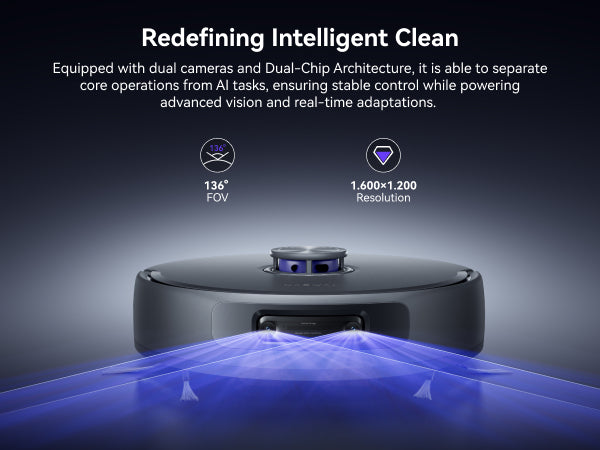
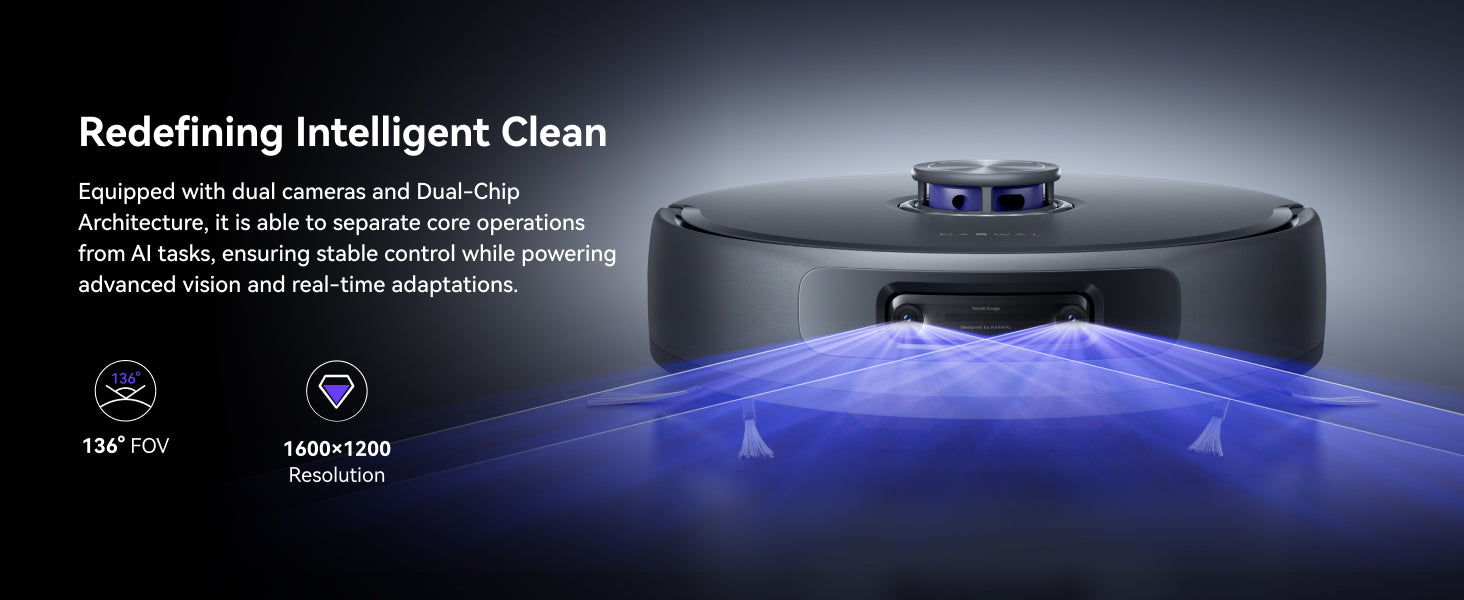
Dual 136° cameras and dual AI chips.
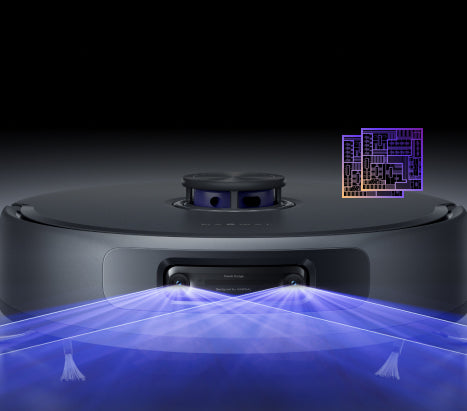
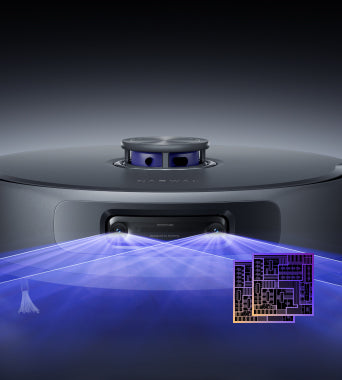
Real-Time Cleaning Decisions
Targets, identifies, and adapts for messes.
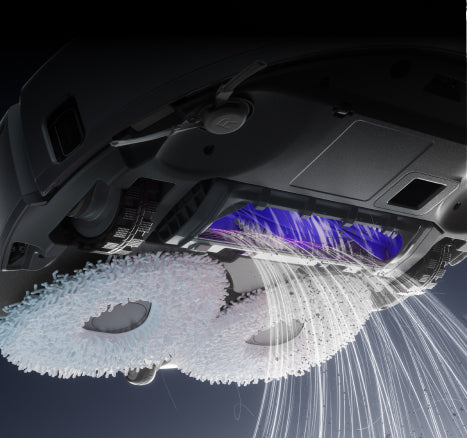
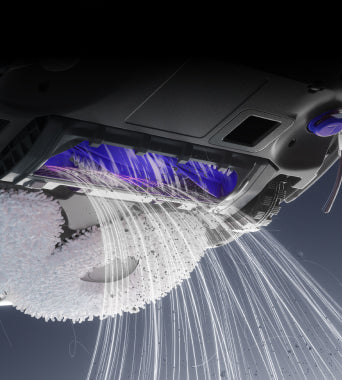
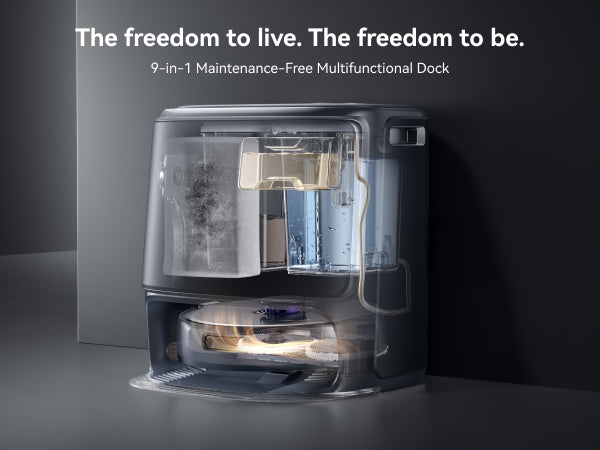
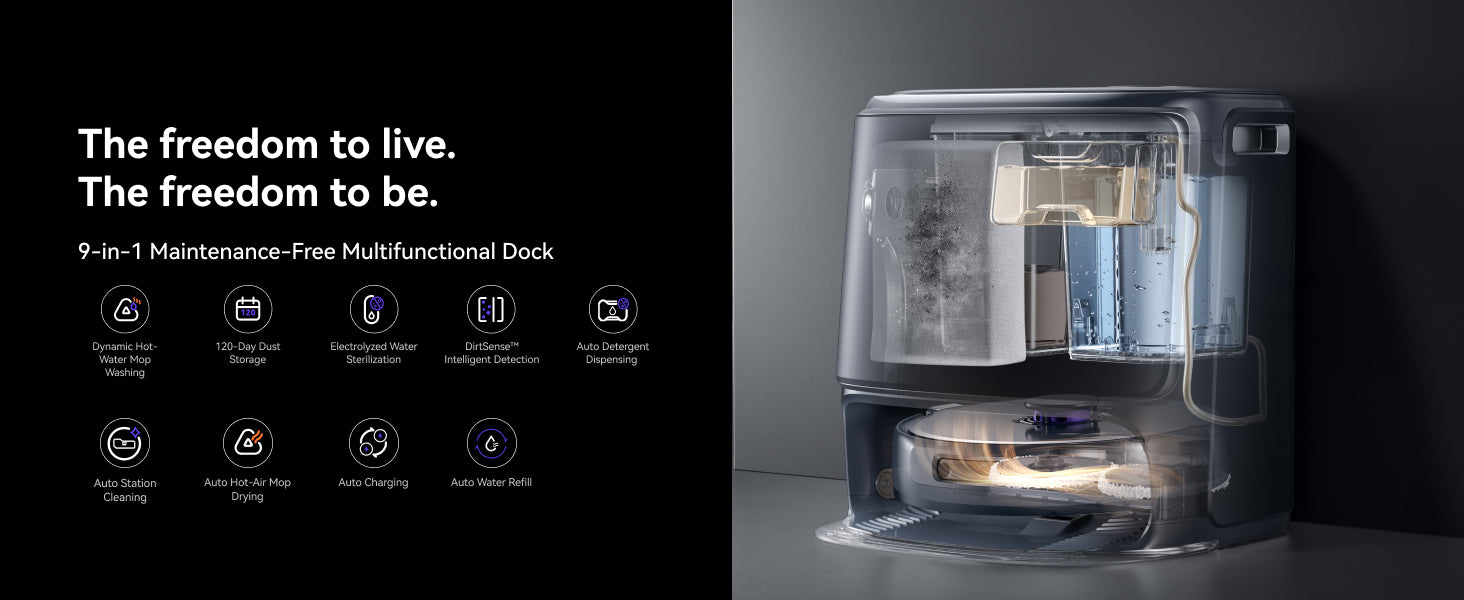
Ultra-Quiet AI-Powered Station
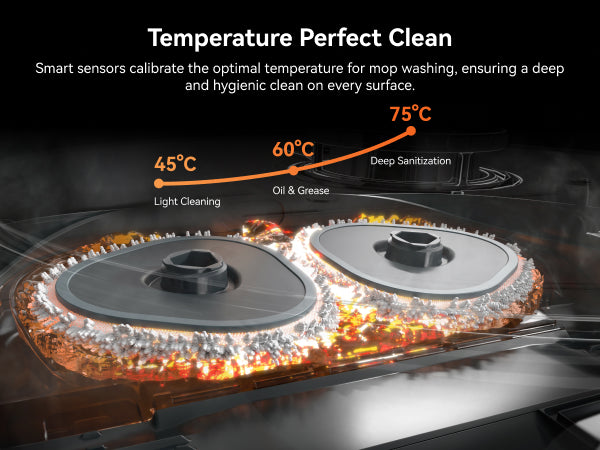
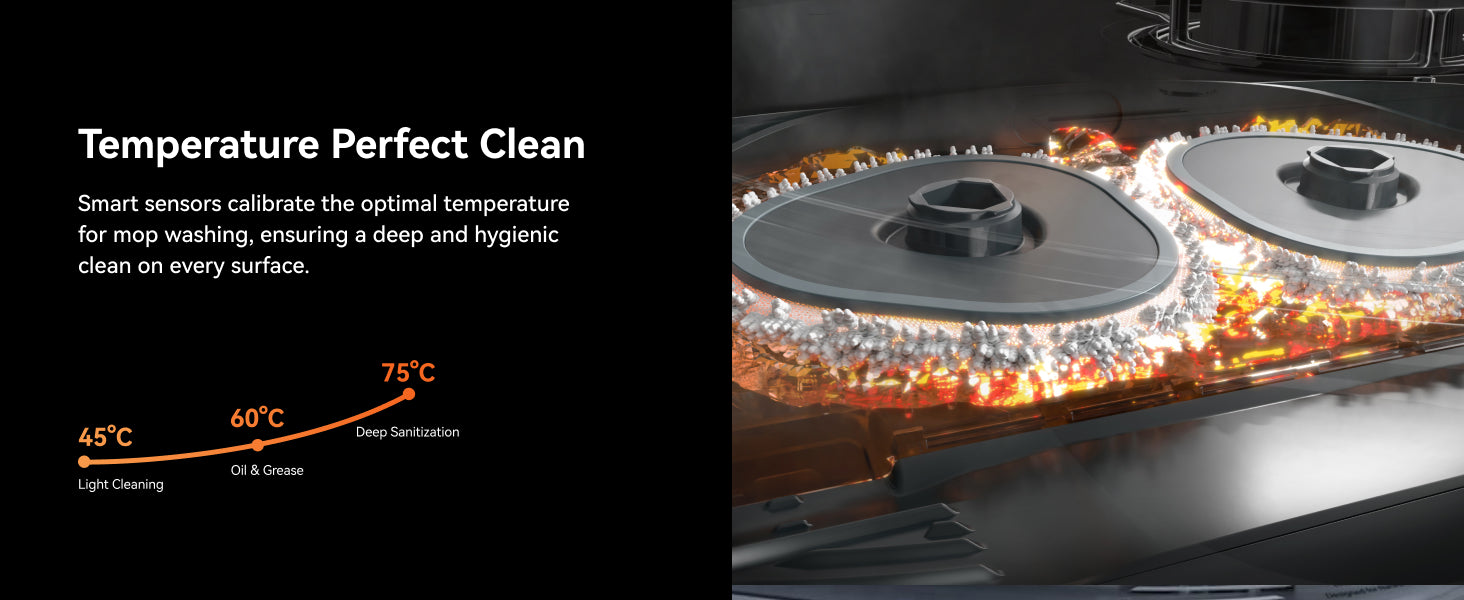
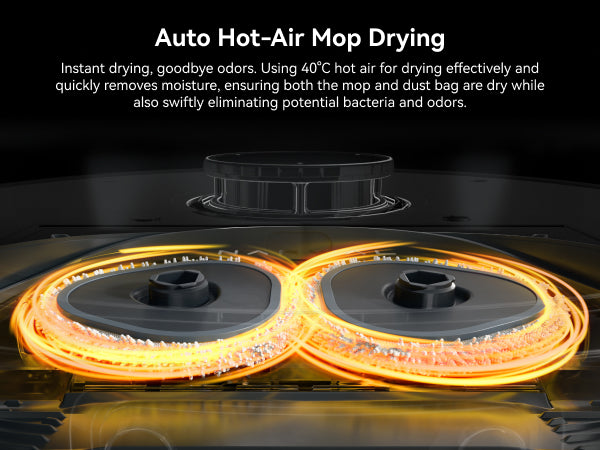
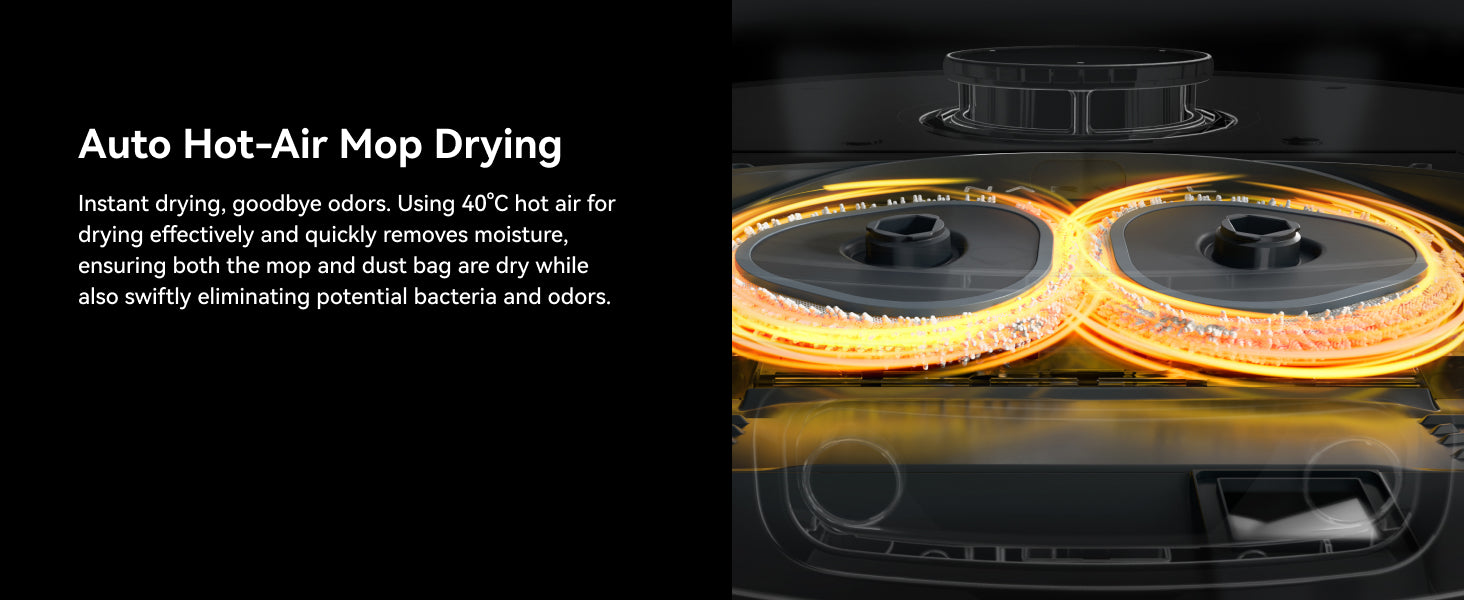
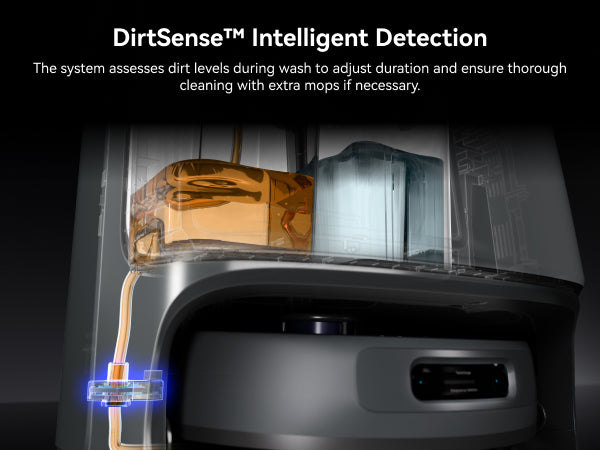
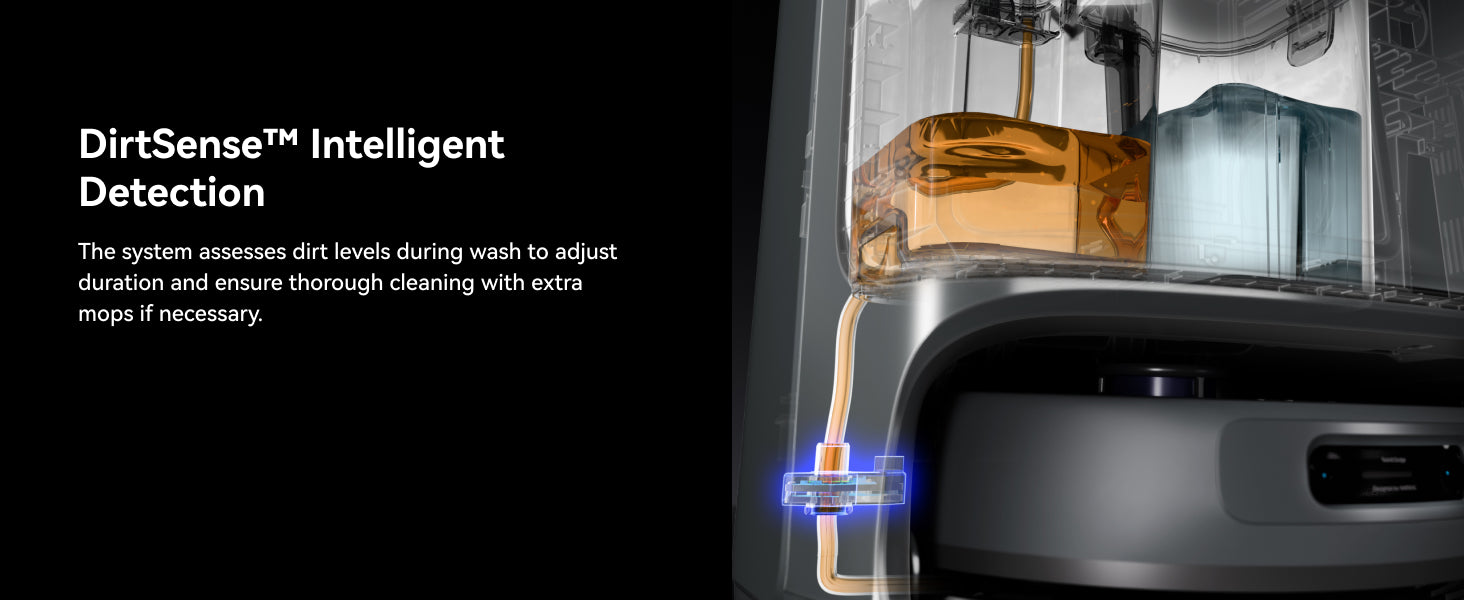
Self-drying, and cleaning, with adaptive hot water mop washing.
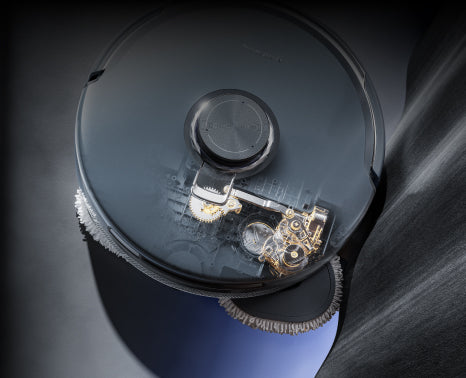
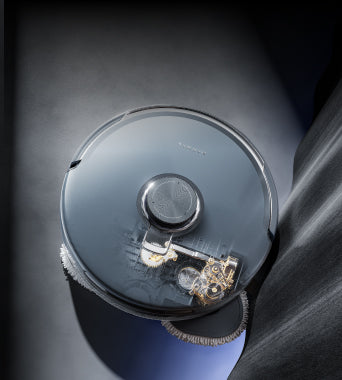
18,000Pa Suction
99% particle removal on hard floors.
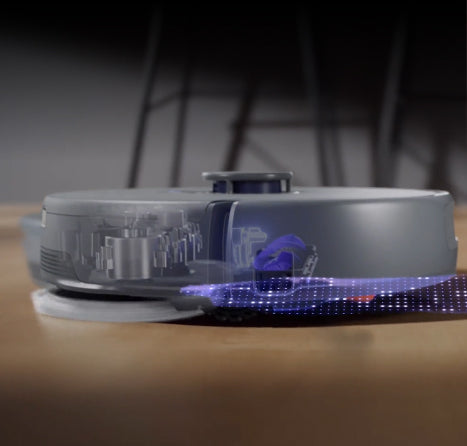
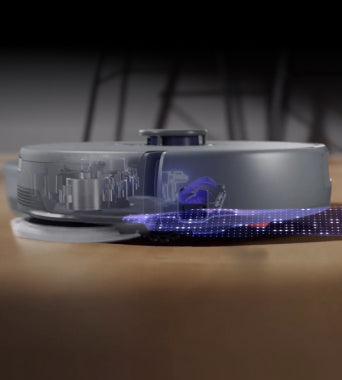
High-Intensity Mopping
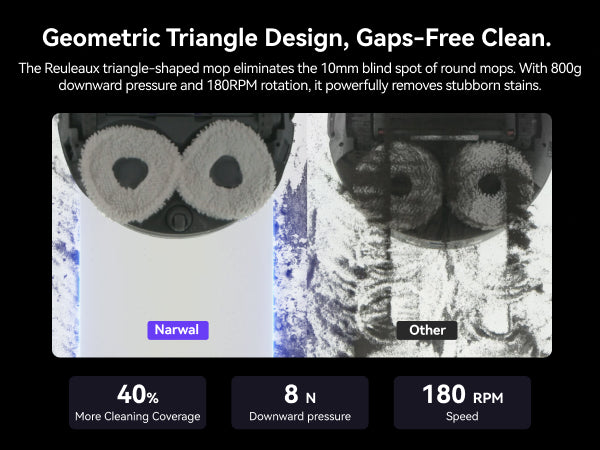
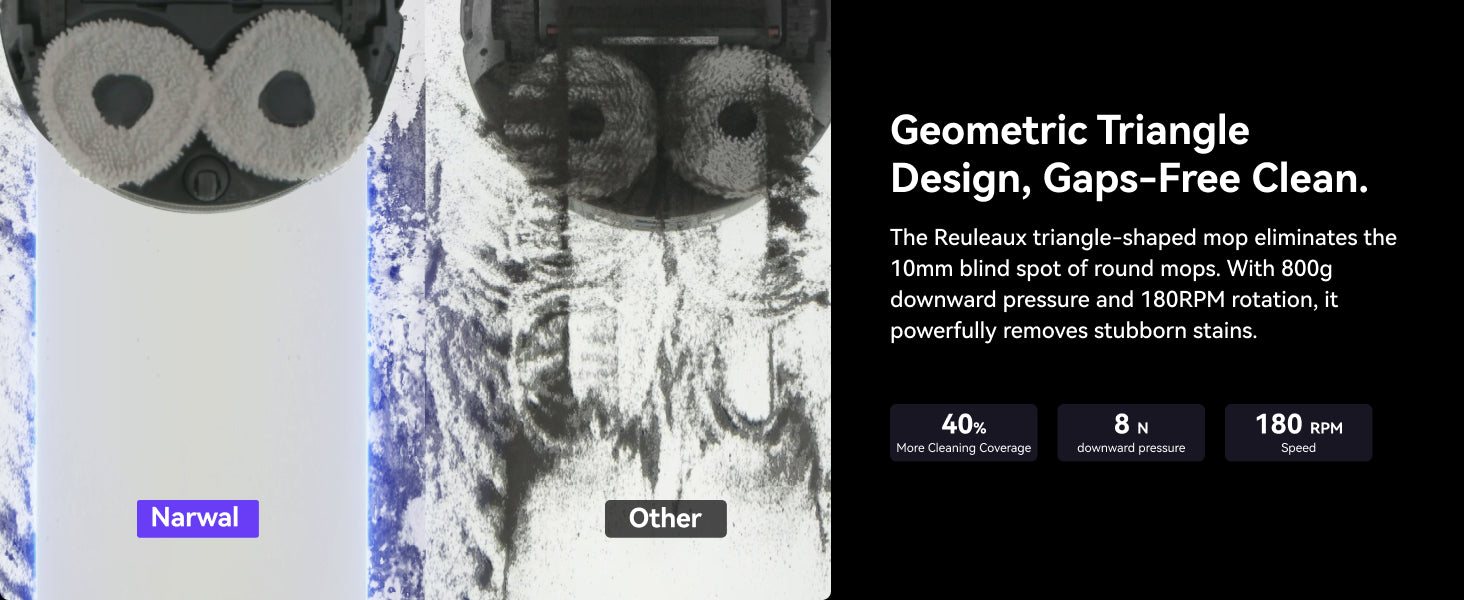
Dual scrubbing mops remove stubborn stains.
Powerful Performance
AI Obstacle Avoidance
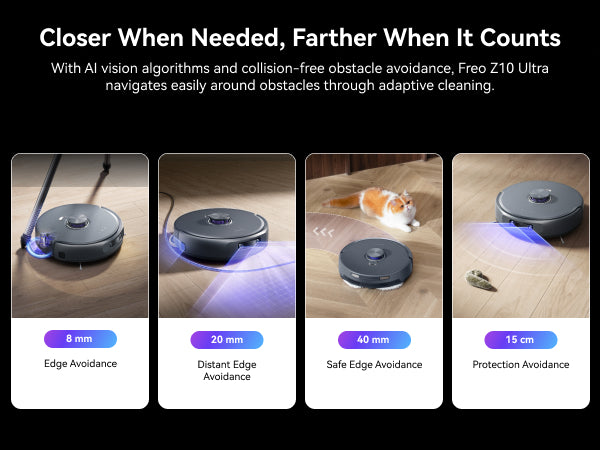
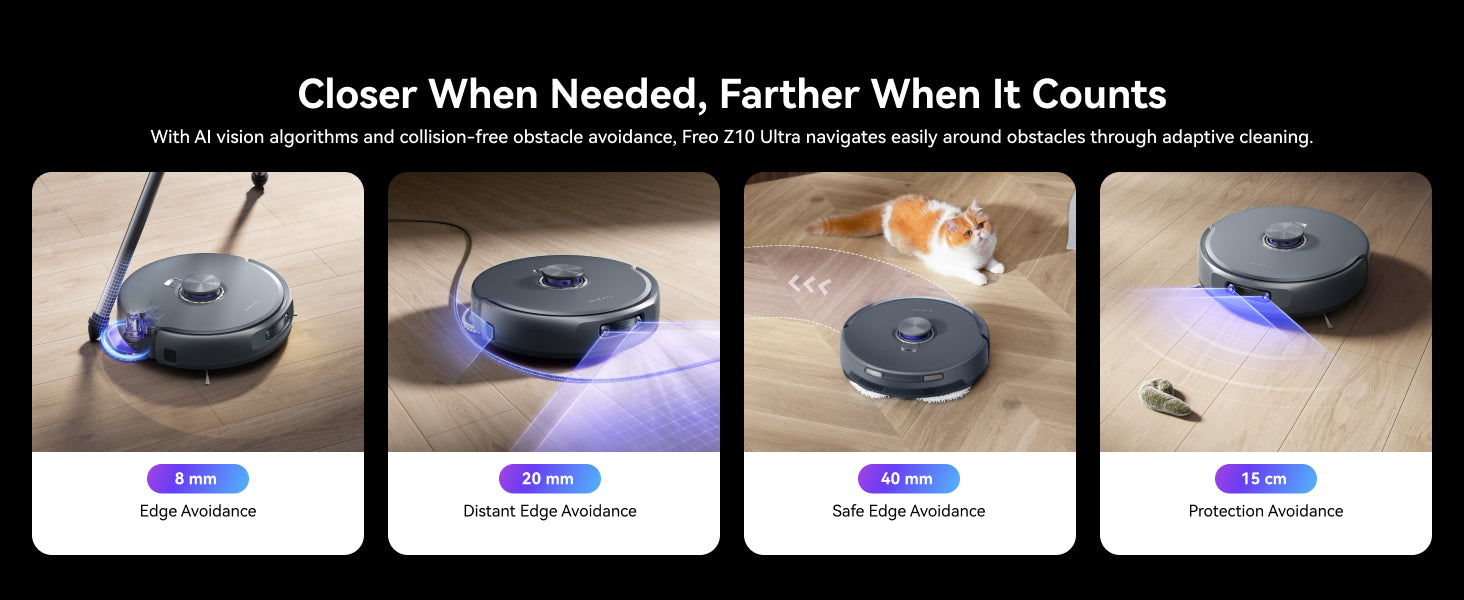
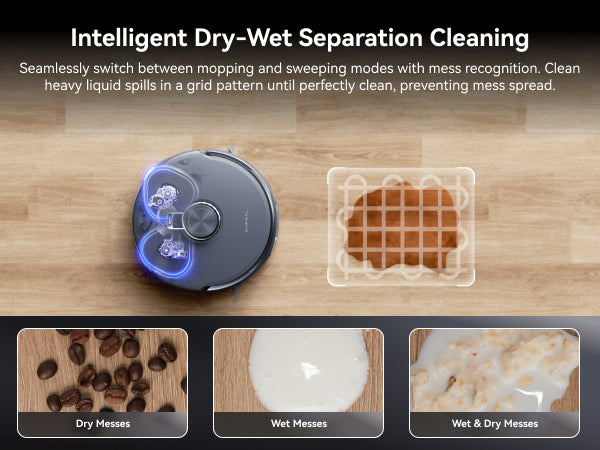
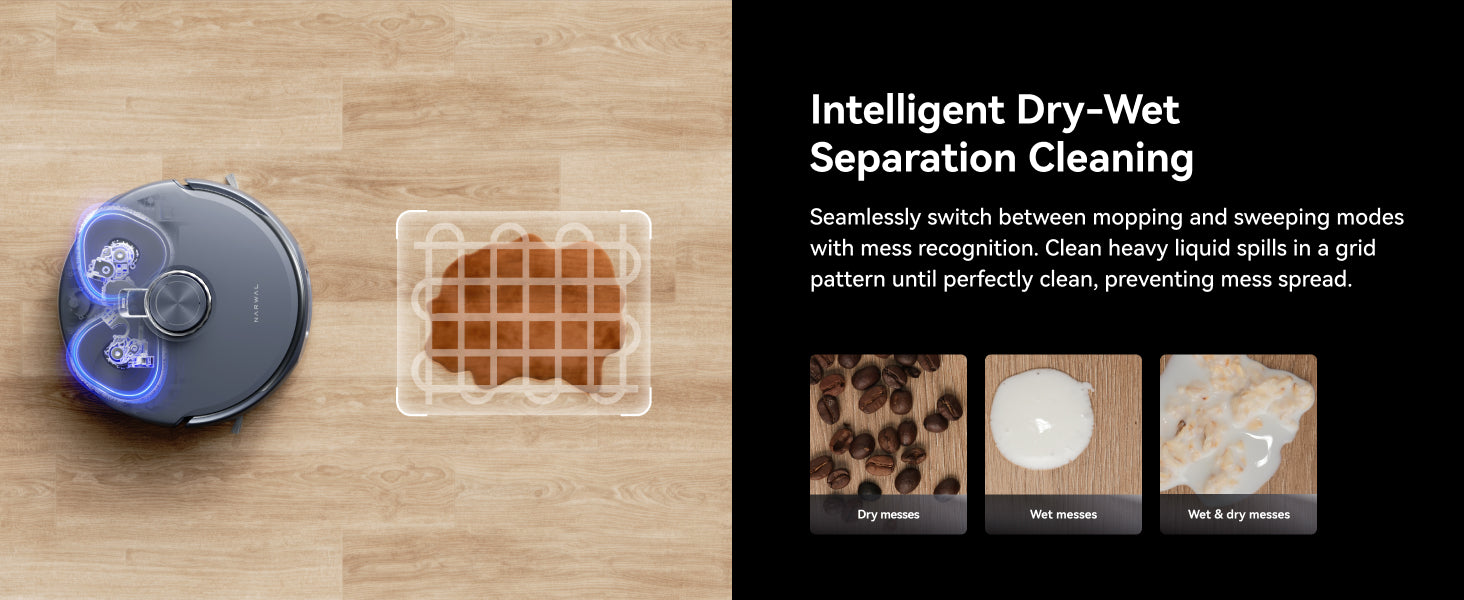


Adaptive Cleaning
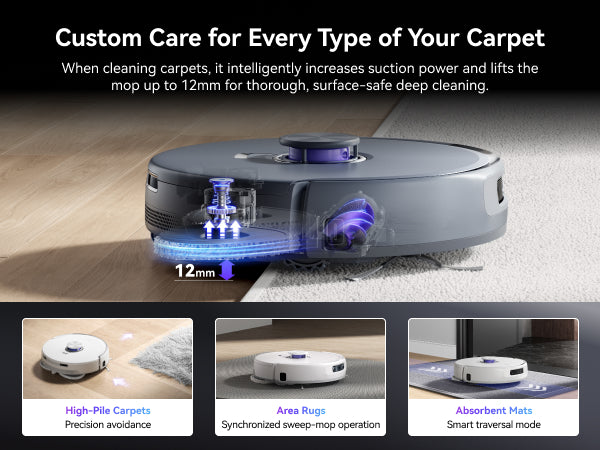
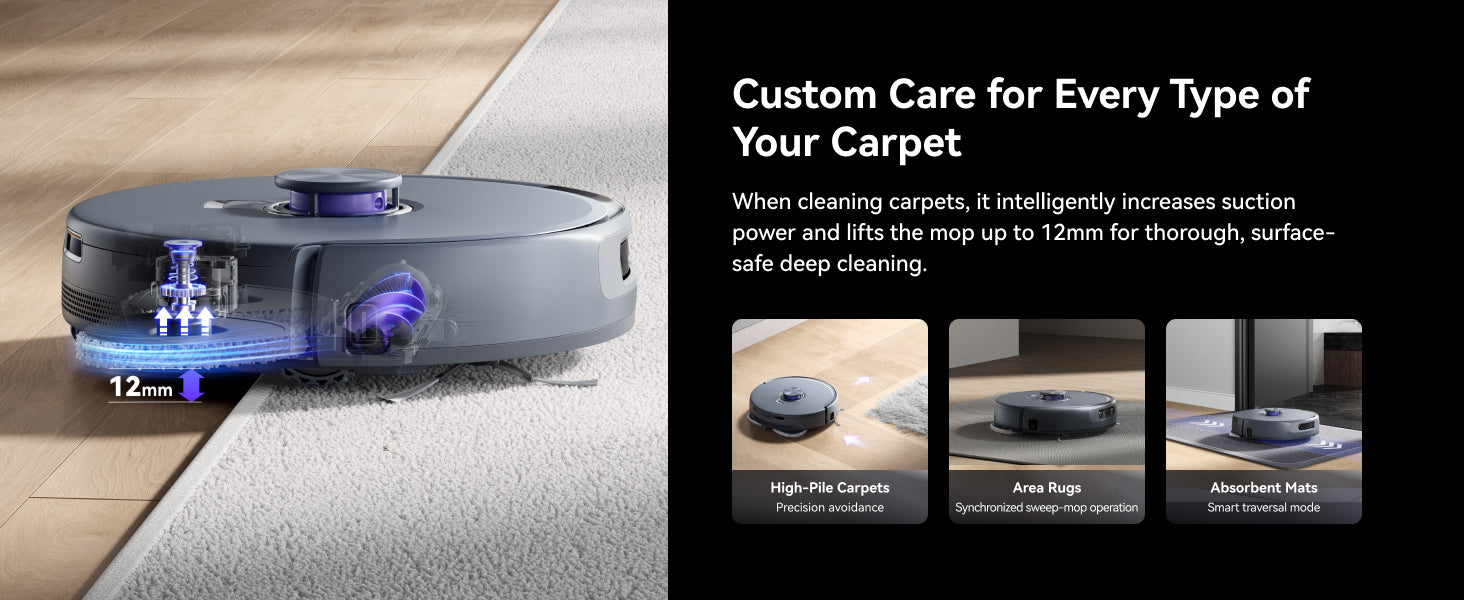
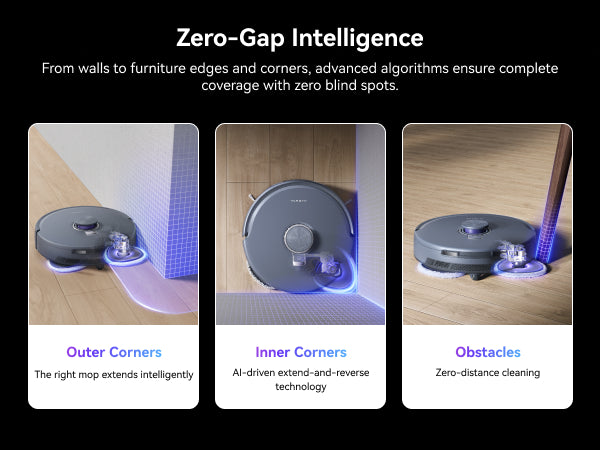
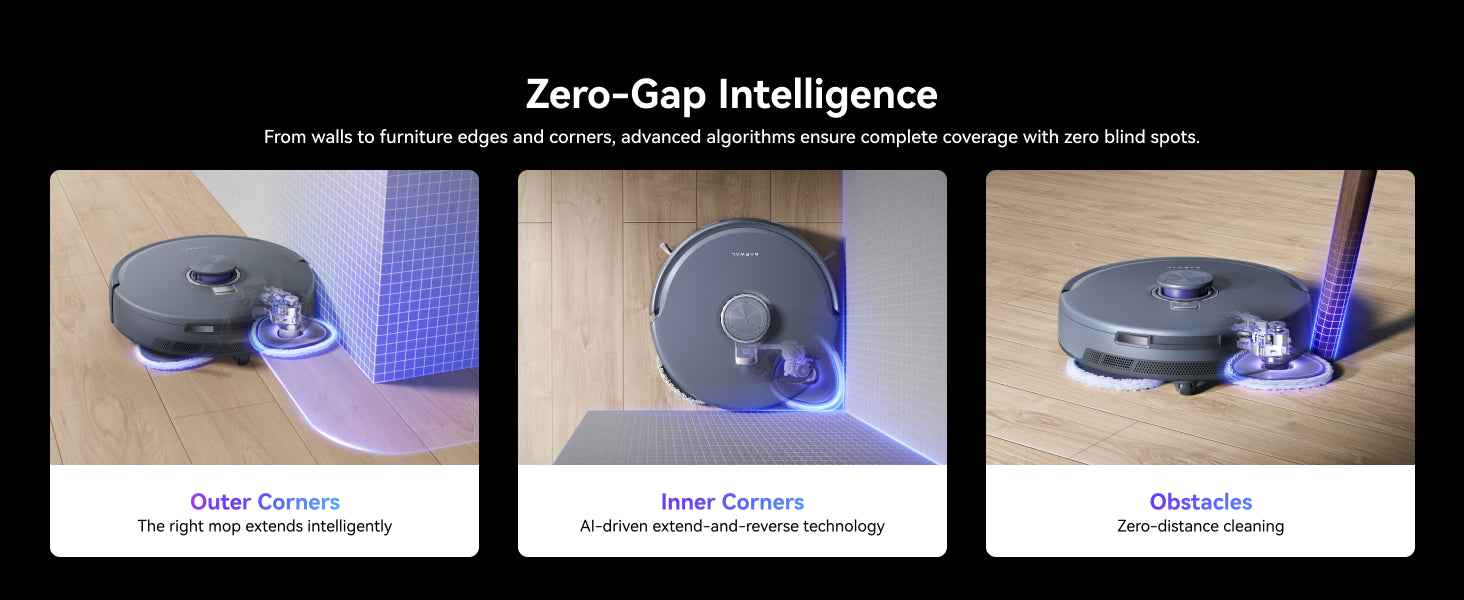
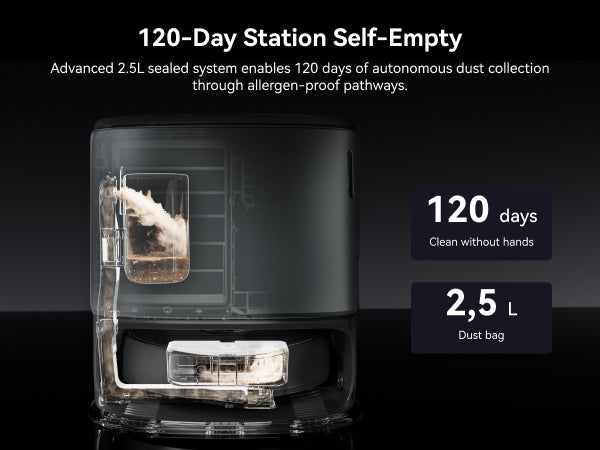
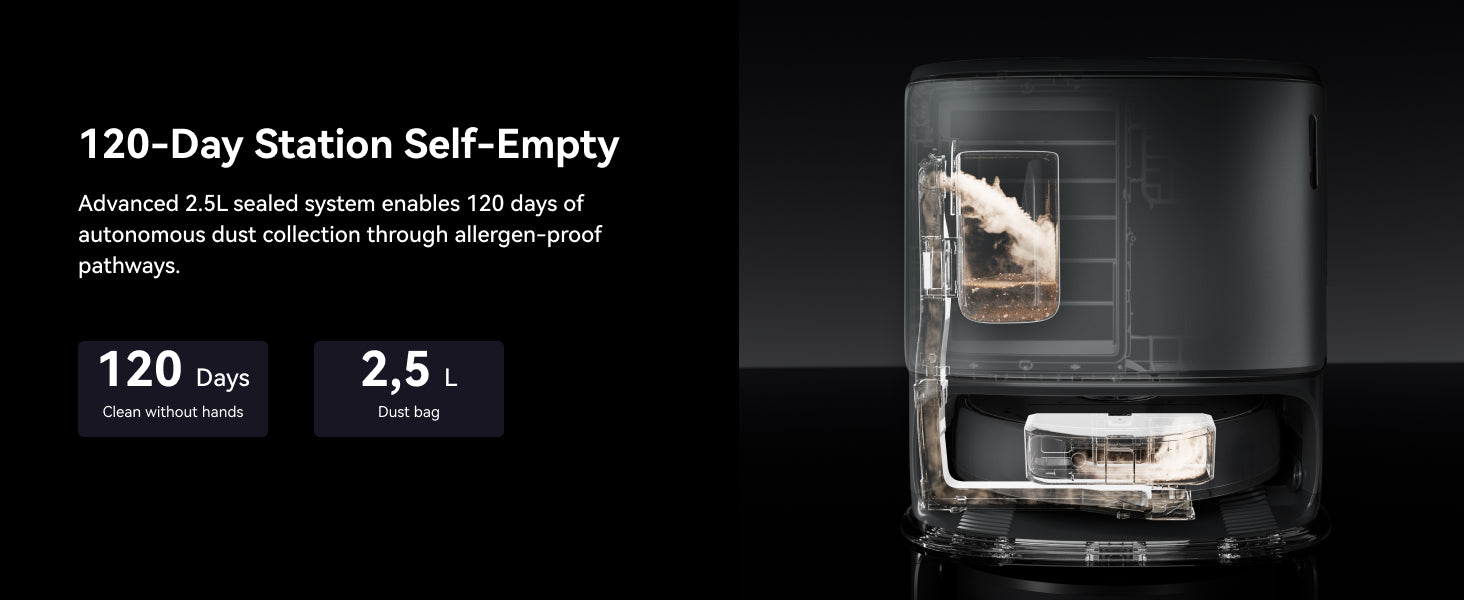
Maintenance-Free
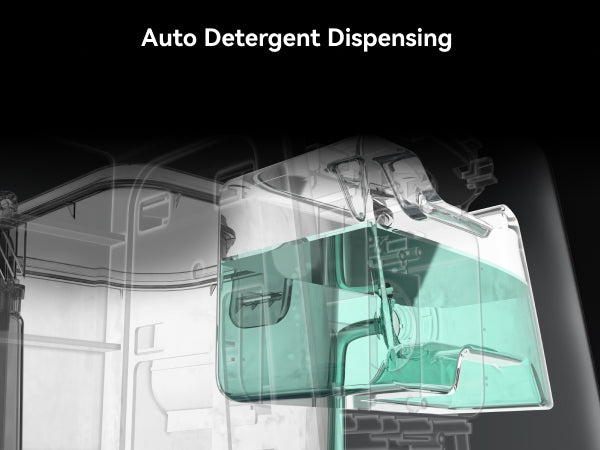
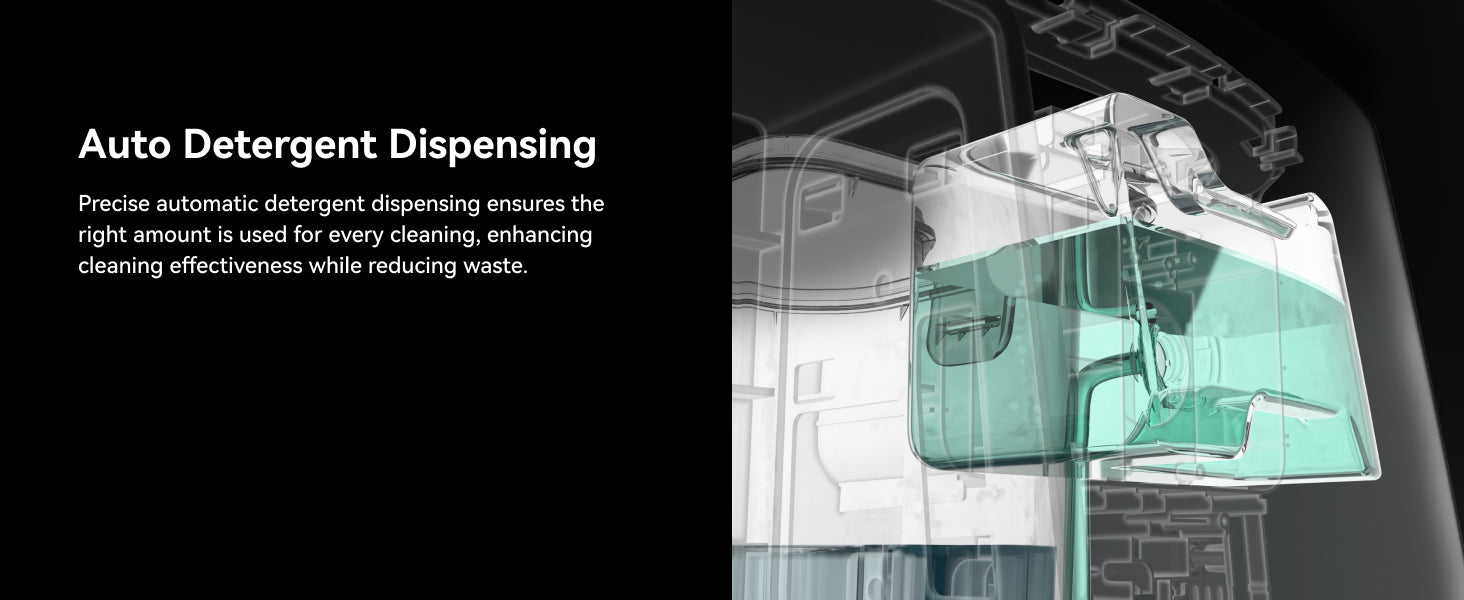
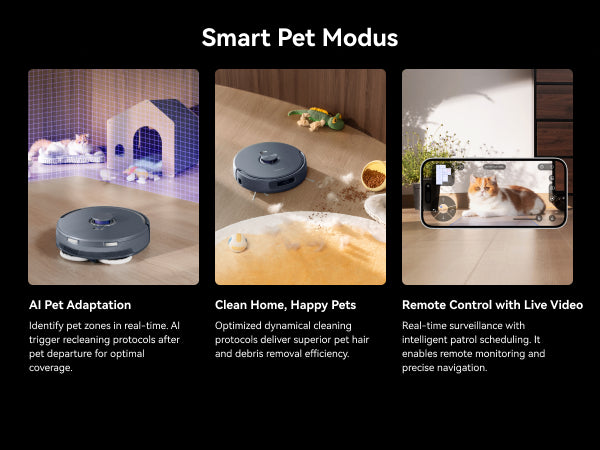
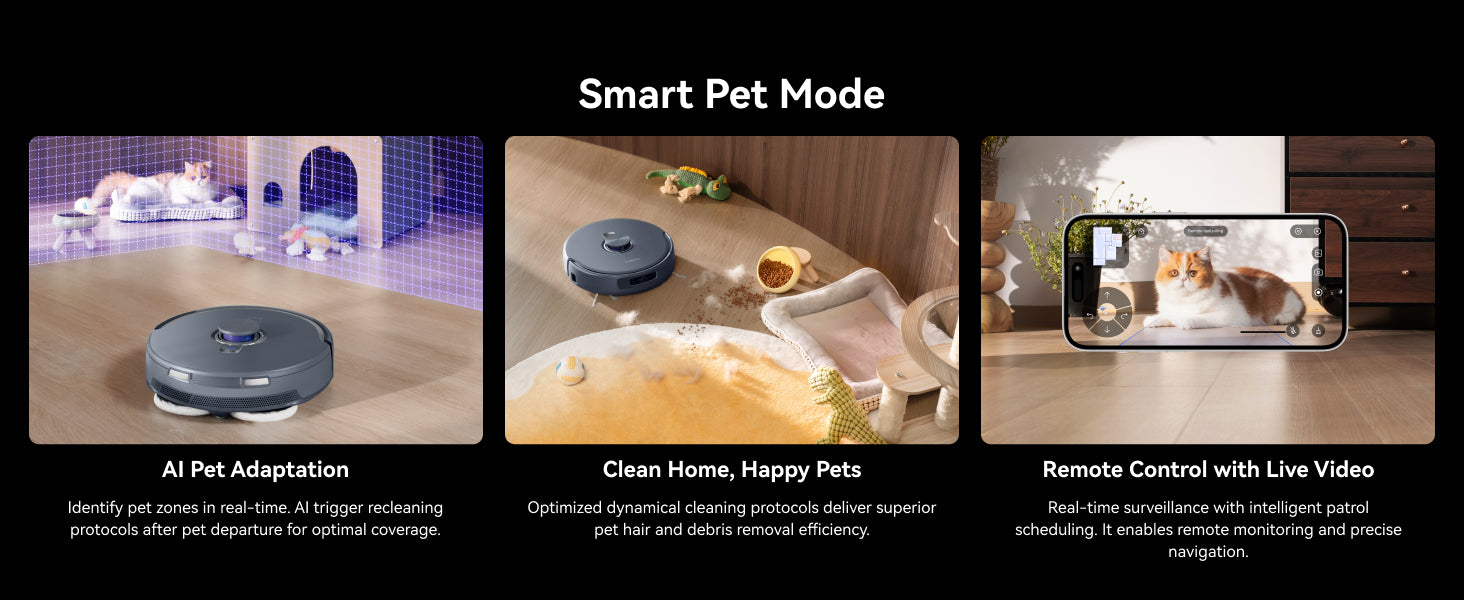
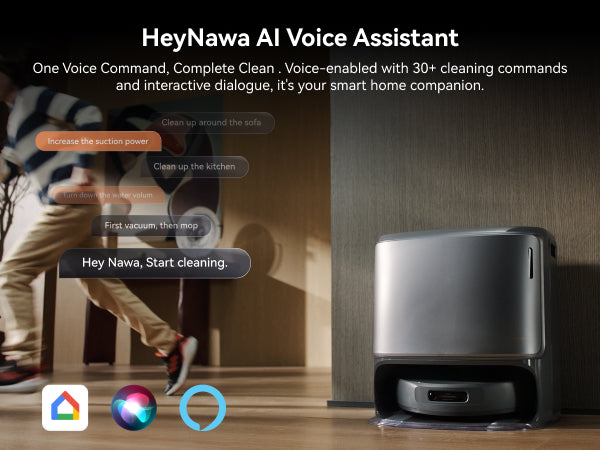
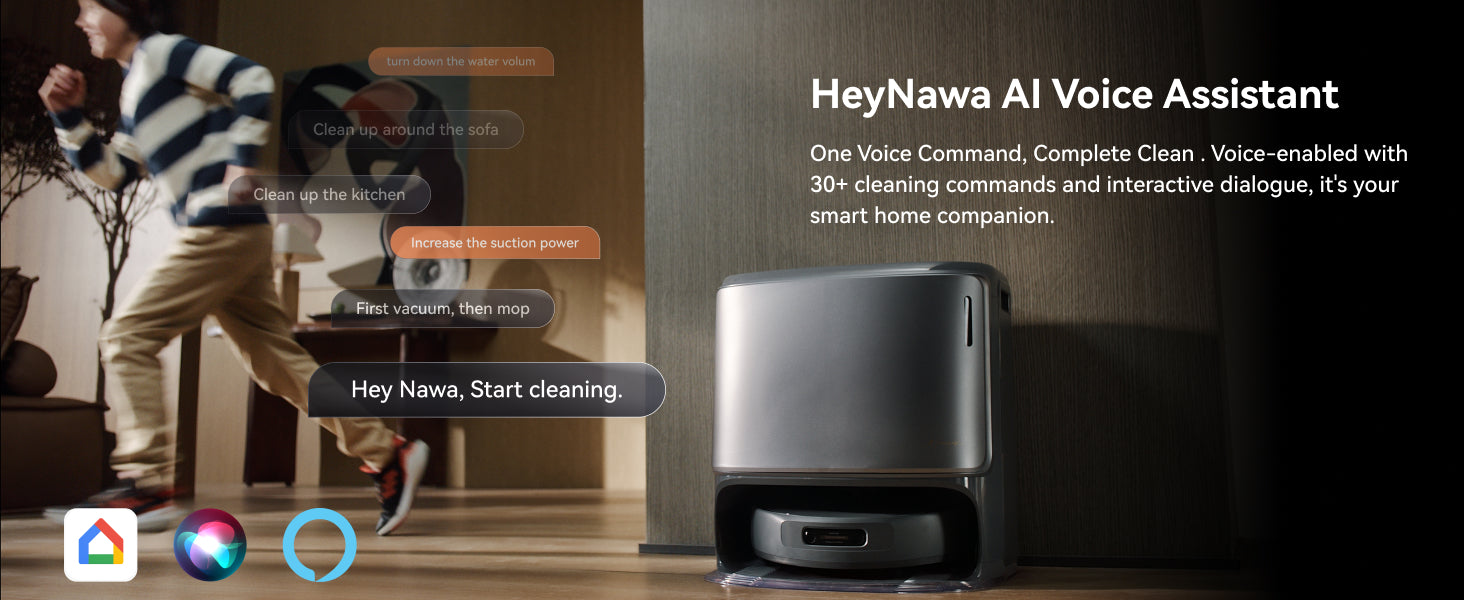
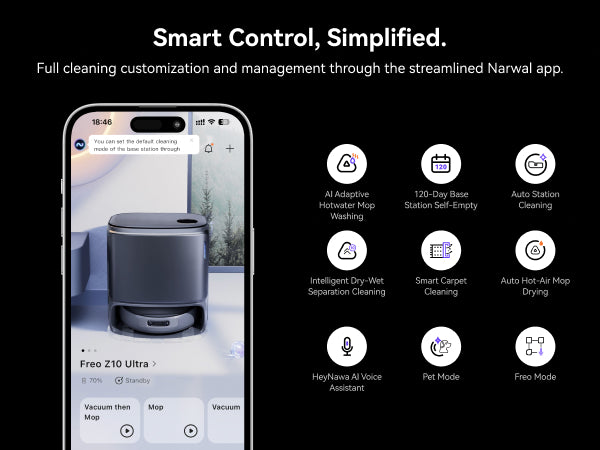
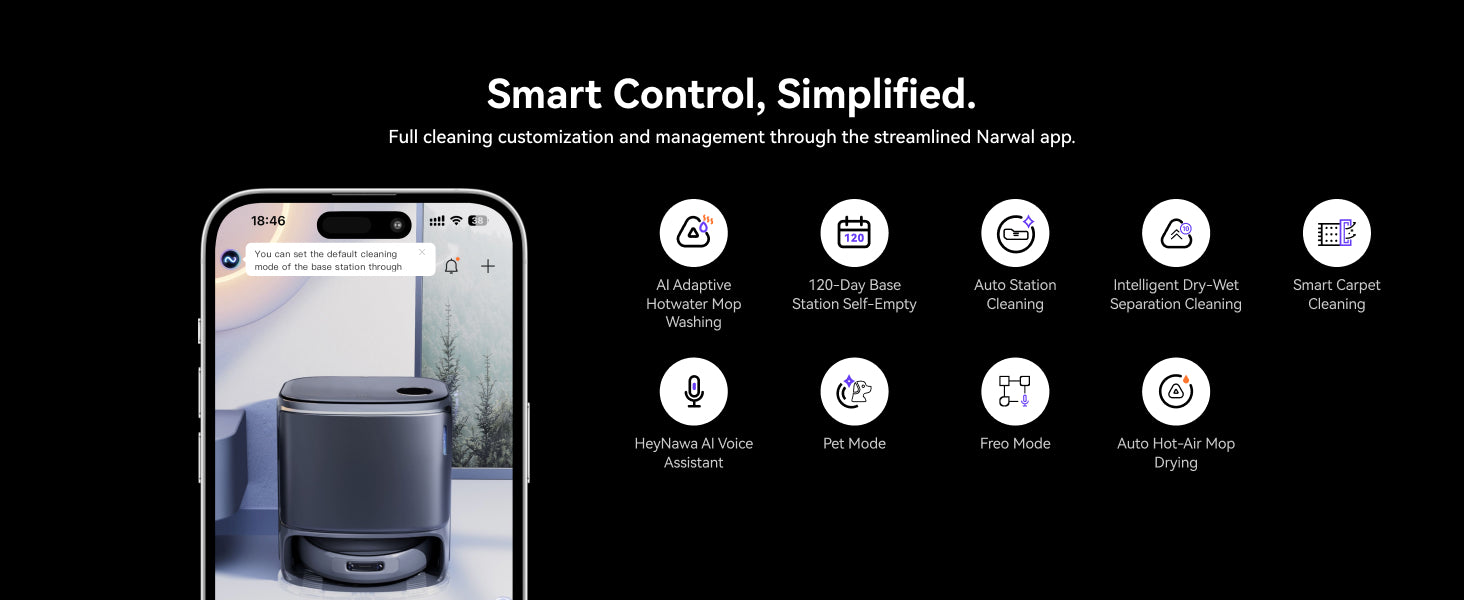
More Mode & More Control
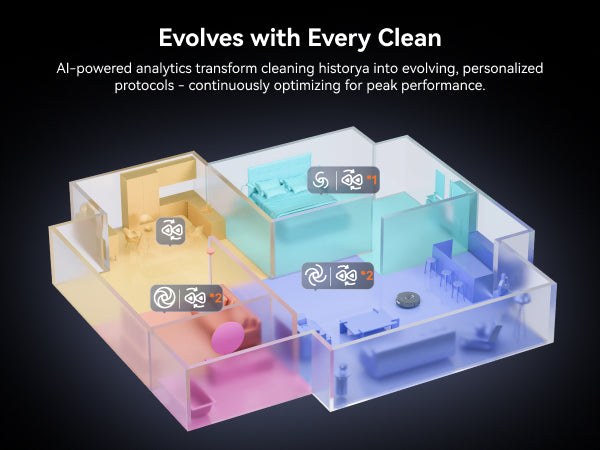
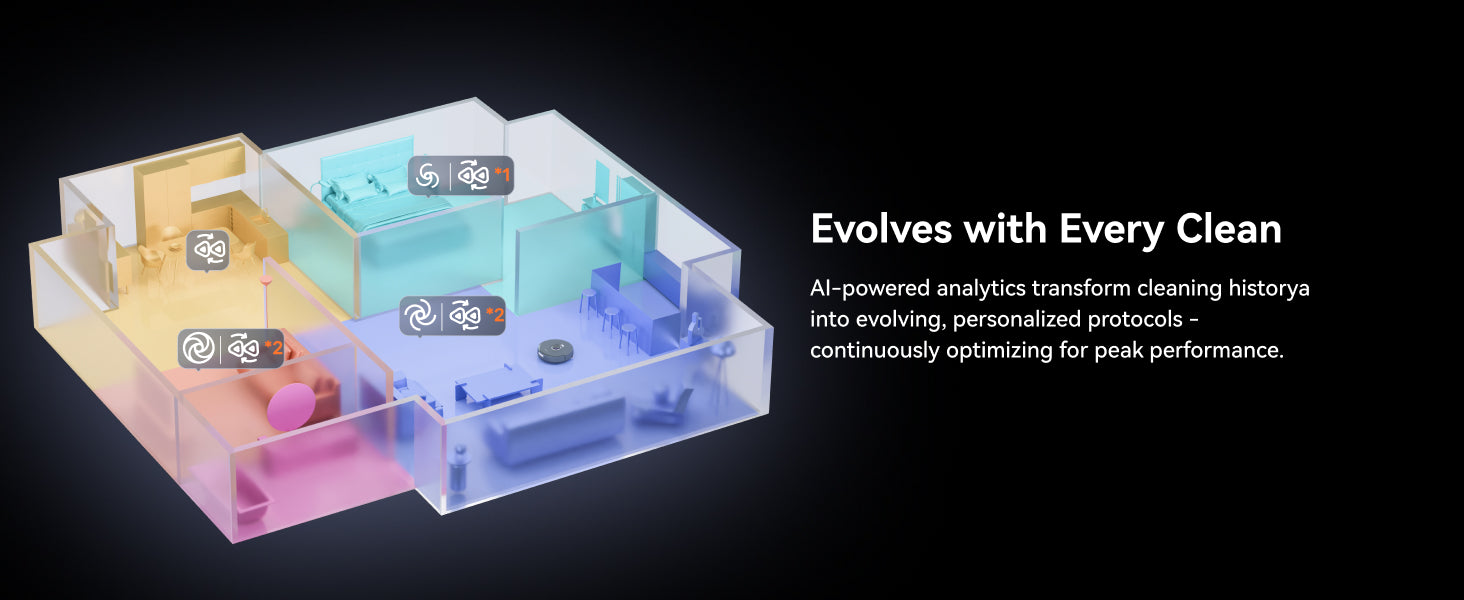

Specifications
355 mm * 350 mm * 109.6 mm
4.5 kg
≥6400mAh
Compare with similar items
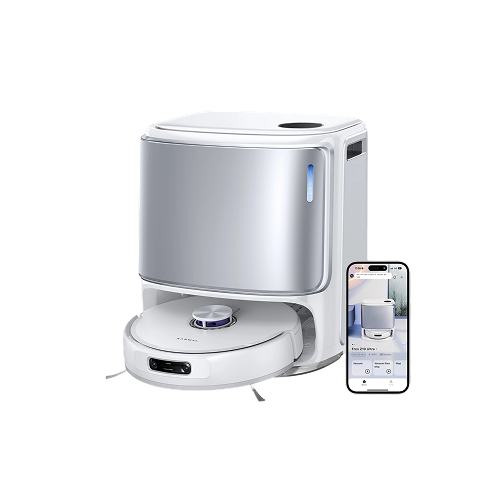
Freo Z10 Ultra
$ 2499.00
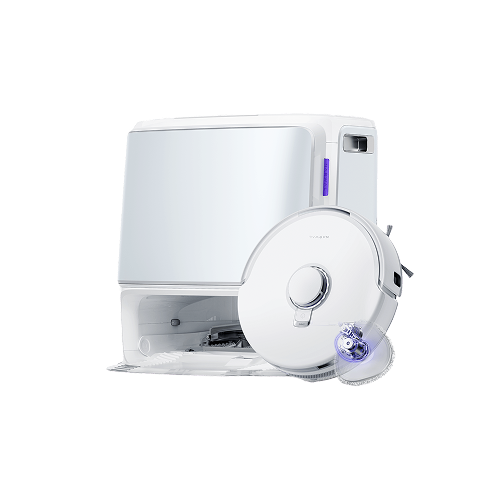
Freo Z10
$ 1999.00
Freo Z Ultra【EOL】
$ 2499.00
So this thing has been amazing overall.
To start off setup was very quick and effective. With the app it was very quick and mapped out the entire house and even took the time to label where every room is.
The battery life on this thing has worked well and zero issues with it cleaning the entire house with plenty to spare. I also run it at the max settings to clean up as much as possible and it appears it finishes easily with 50% battery life. I would think this would have no problem covering a 3000 foot house with battery to still spare.
The vacuum lines look very nice when it gets done! It also seems to be plenty powerful to really pull up the same amount of dirt as a normal vacuum, if not more!
The self cleaning and mopping functions work great as well! It does a good job not leaving any sort of mop trail. Also the self cleaning is louder when it starts but it dries the mop heads well and they still look brand new despite quite a few mopping.
Overall very impressed. I have owned plenty of robot vacuums over the years and I would say this is the best one so far. Plenty of high quality features and just quality it how it performs.
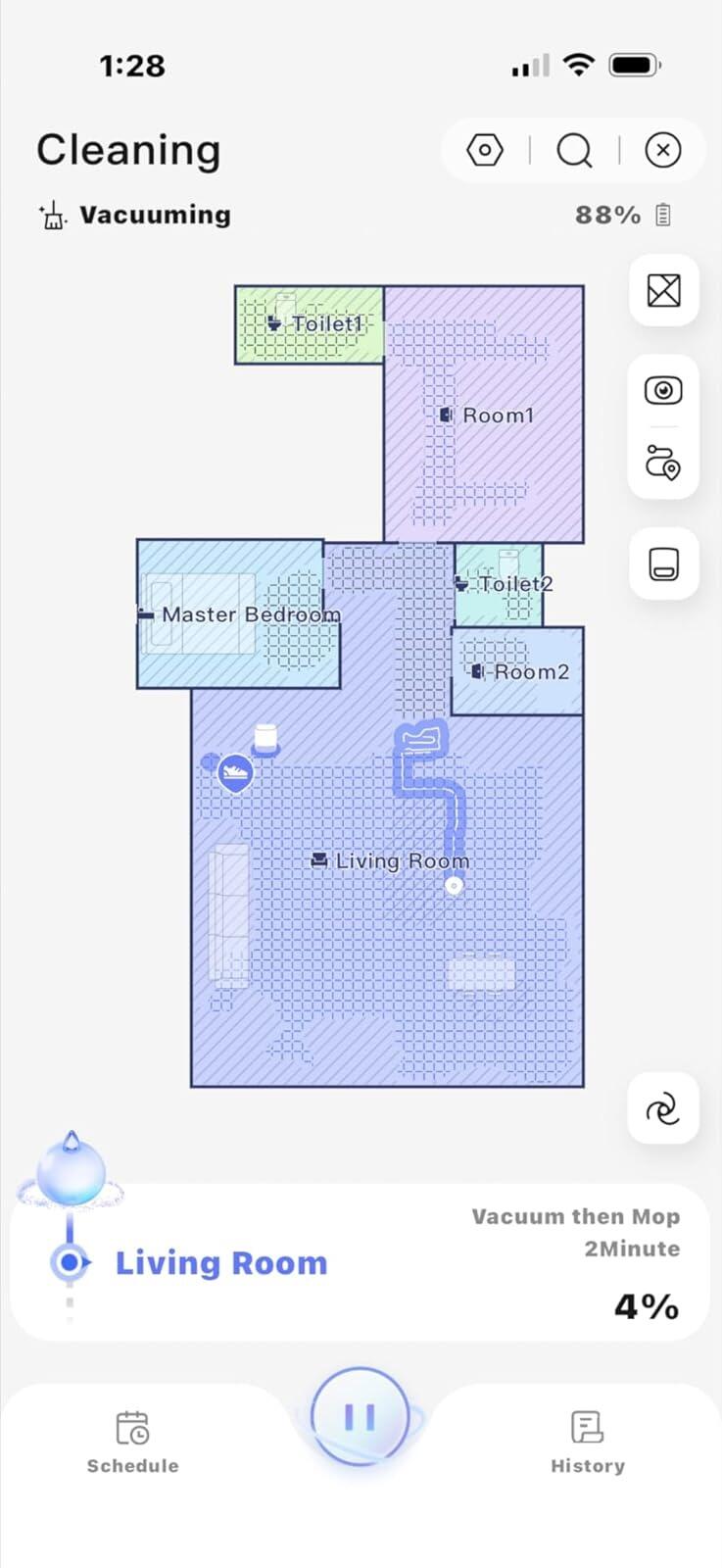
This is our 2nd robot mop vacuum and we are happy to say it is the best one of the two. The first one is from another company and after two weeks of using it, it started to develop a musty odor so we had to return it. We finally completed our deep research and found that the Narwhal Freo was going to the best for our situation. We have an older house with different floors in almost every room. We have two types of tiles, and like three different color laminate floors and this vacuum easily makes it over the transitions to each room. The spinning brushes give a very smooth and polished look across our floors and they can extend and retract to reach edges around obstacles such as chairs as you can see in our video. We are also happy with the app and the ease of getting everything started and running. We have been running this daily for many hours because we want to make sure this is the one for many years to come. We love it so far! Let's see how sturdy it is over the next couple of weeks. Great working robot for the price. Note: we have a cleaning person that services our house every once a month but we needed this robot vacuum for the daily cleaning routine. We've got kids and dog so you can imagine how much dust and debris this thing picks up.
This robot vacuum is awesome. First of all, the style is beautiful – the round shape looks smooth and modern, not bulky. The weight feels right, easy to handle when I need to move it. The packaging was solid and everything arrived in perfect condition.
Setup was super simple. The installation took only a few minutes, and the app showed everything step by step. It made the map of our rooms fast and now it knows exactly where to go.
The performance really surprised me. It cleans under the sofa and all the low furniture with no problem. It’s my second robot vacuum – the first is for upstairs, and I bought this one for our main floor. I can really see the difference in how well this one works.
I’m very happy with this purchase. Easy, stylish, powerful – definitely 5 stars from me.
I recently bought this vacuum cleaner because my Roborock really let me down. I wasn’t familiar with this brand before, but I decided to give it a try since, for the same price I paid for the Roborock, this one offers more power and more features.
I’ve only been using it for a short time, but so far, I’m impressed. It vacuums better, and it also mops the floors better—I think thanks to the steam function. It even has a voice feature, which is super convenient. As for noise, I didn’t notice it being particularly loud; I’d say it sounds pretty normal.
Another thing I liked is that the package included an extra dust bag, filters, and cleaning formula. For example, with the Roborock, it didn’t come with such a set. Also, the dust bag itself is large, which I appreciate.
Overall, I’m very satisfied! I definitely recommend it!
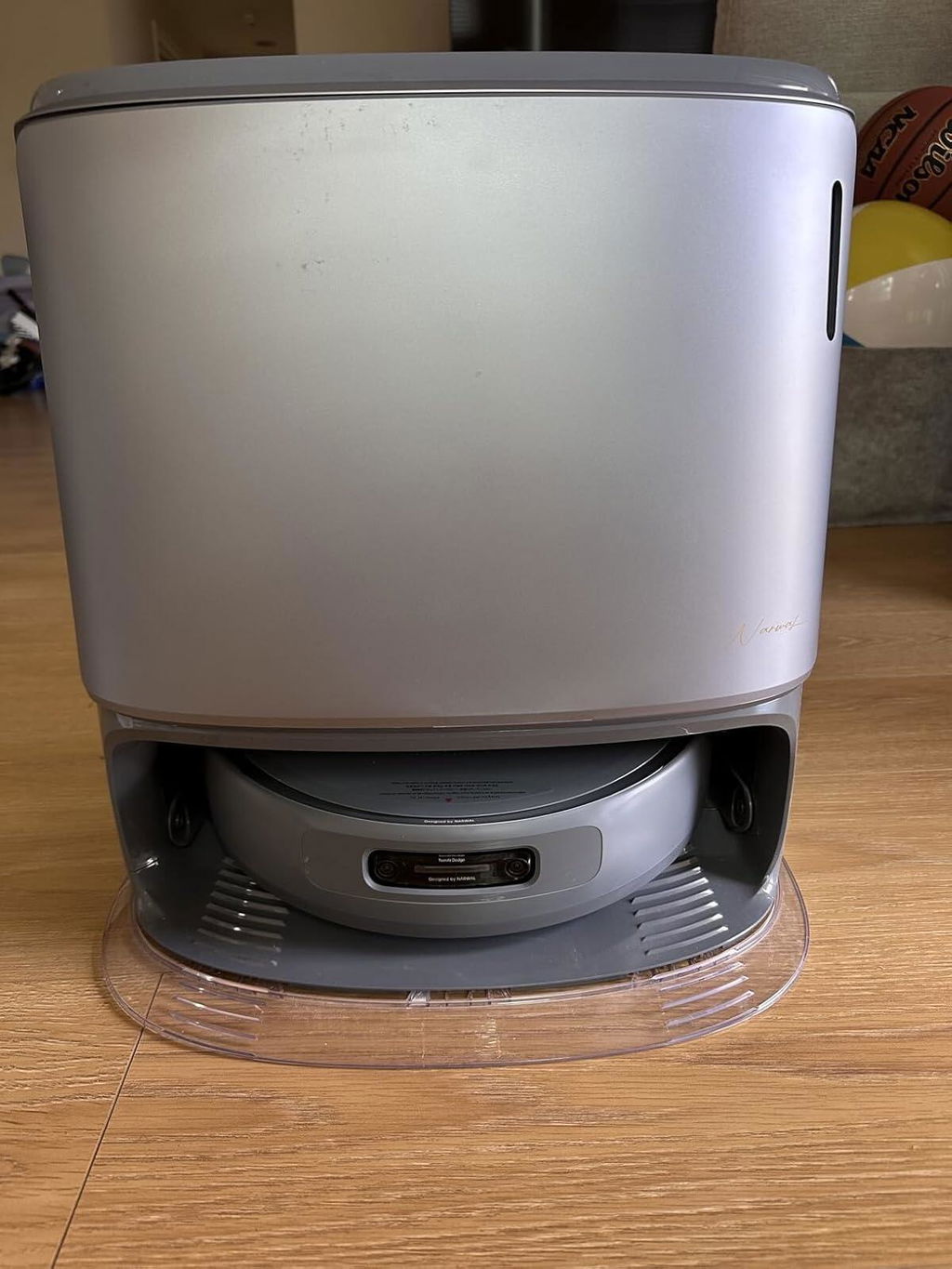
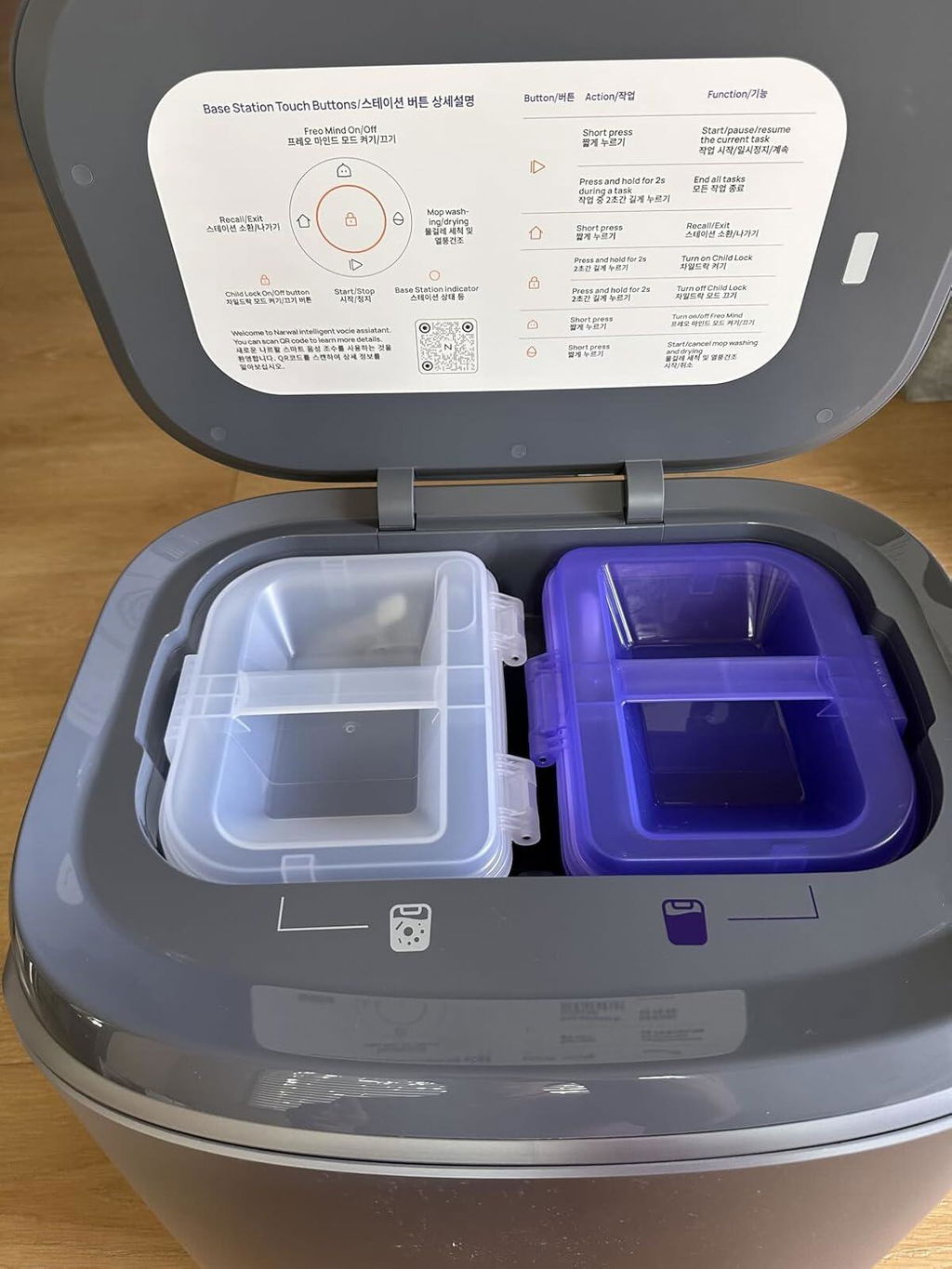
The NARWAL Freo Z10 Ultra is an impressive cleaning robot that combines powerful vacuuming with highly effective mopping. Its dual HD cameras (1600 x 1200) and dual chips give it an advanced AI-driven navigation system that allows it to see in full color and make smart real-time cleaning decisions. This results in excellent obstacle avoidance and thorough coverage of every area.
The suction is strong enough to handle dust, dirt, and pet hair on both hard floors and carpets, while the mop system leaves floors spotless with minimal effort. I really appreciate how the device adapts to different surfaces and adjusts its cleaning pattern for optimal results.
The design is sleek and modern, and the convenience of having both vacuuming and mopping in one unit saves a lot of time. Overall, the Z10 Ultra delivers premium performance, smart features, and true hands-free cleaning, making it one of the best robot vacuum and mop combos available today.
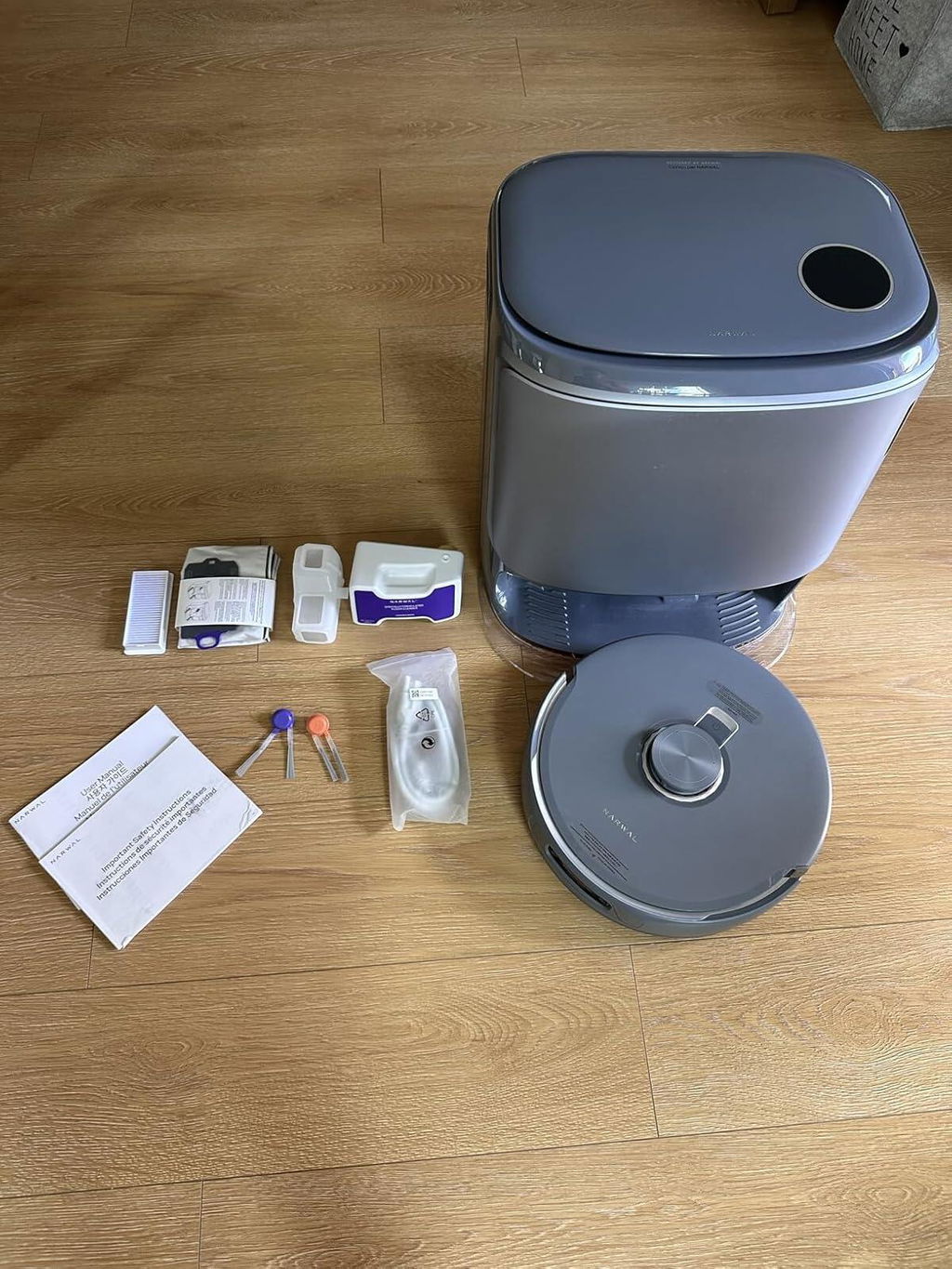
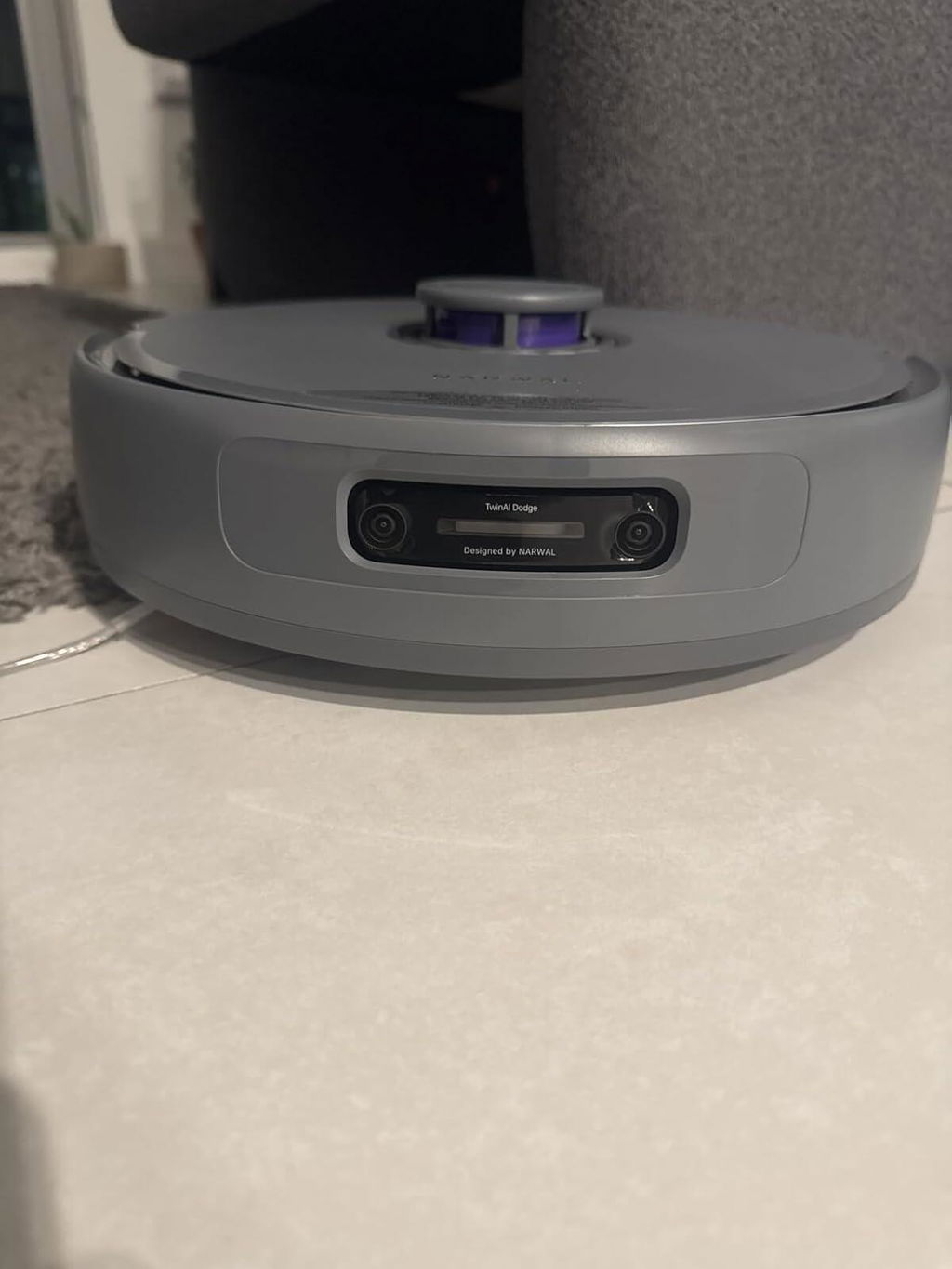
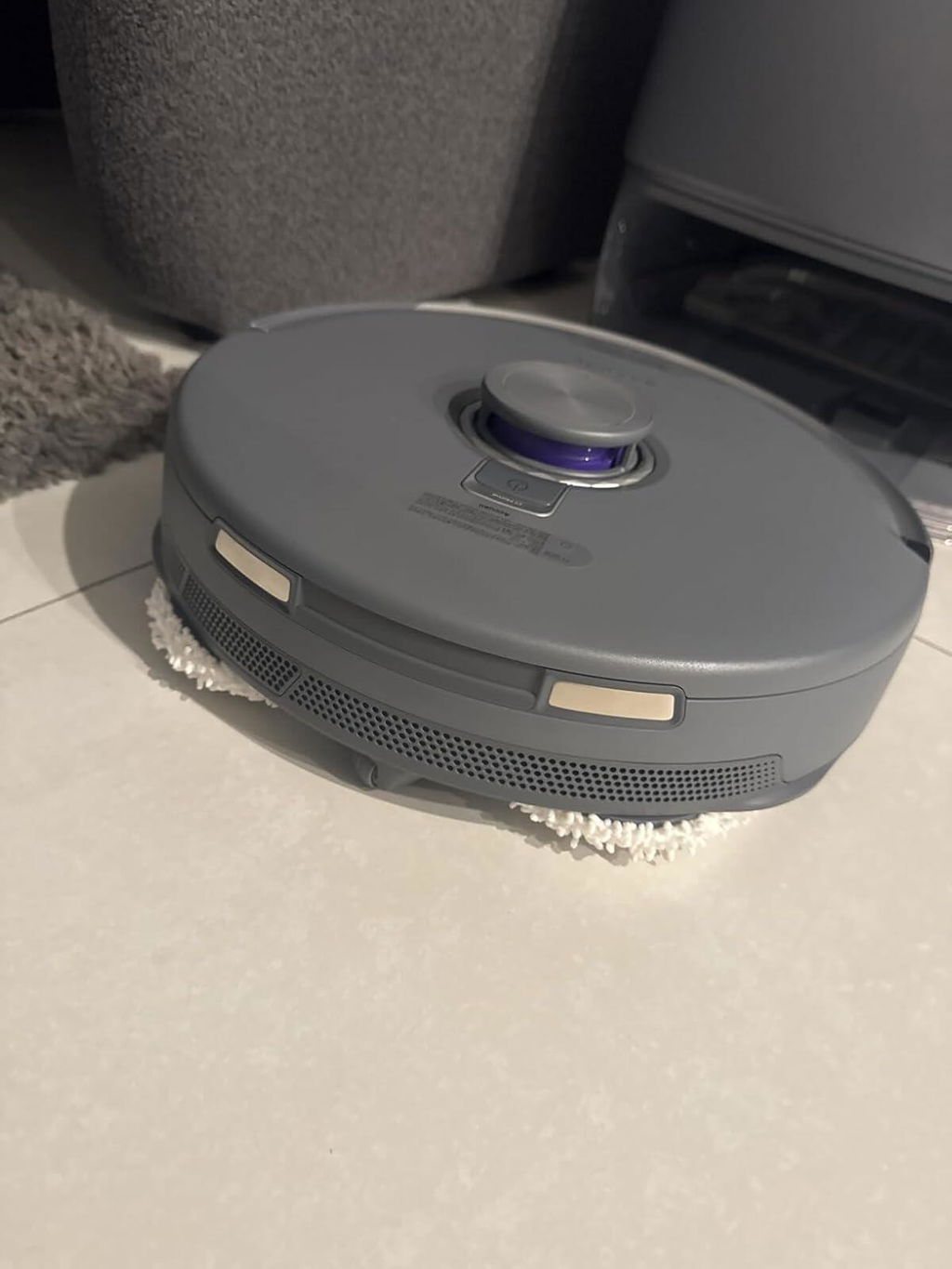
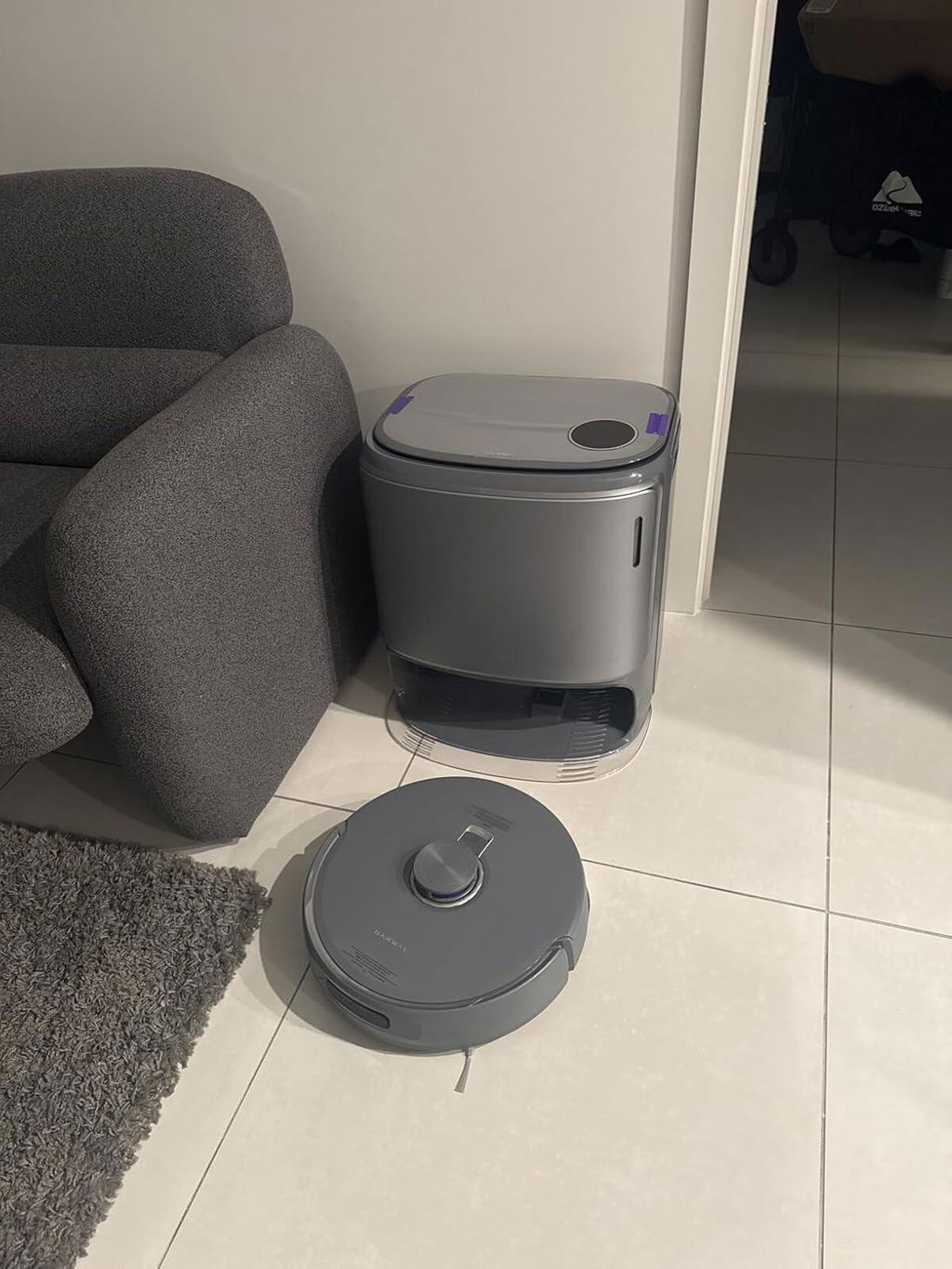
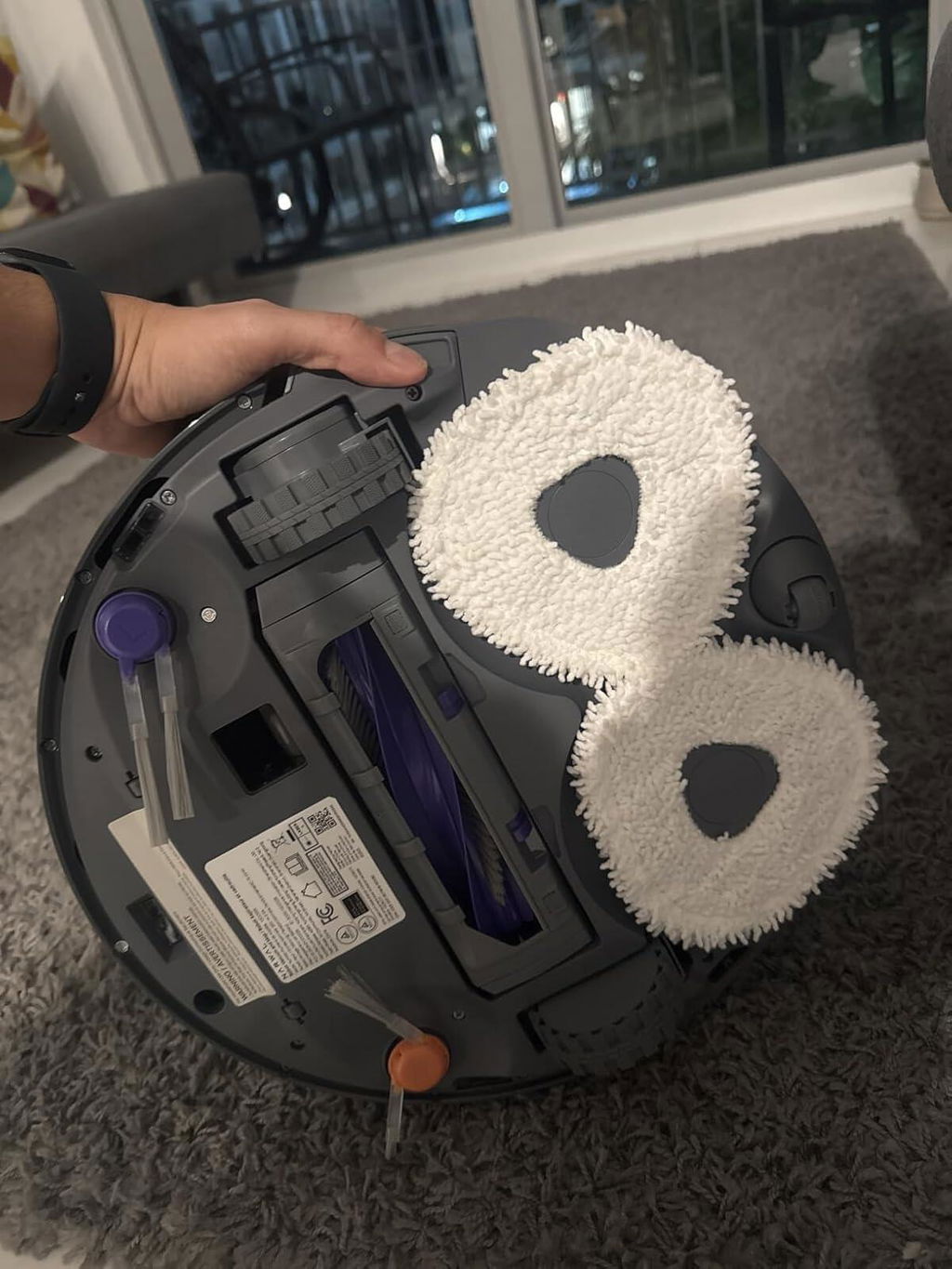
I have COPD and am unable to vacuum and mop my house, this wonderful machine does it for me. Does a great job and preserves some of my independence.
The vacuum does such a great job of cleaning - i love it
Took a gamble on buying during the sales after hunting through many reviews.
Pretty happy so far, it saves us from hand vacuuming and mopping a large kitchen and laundry area, and is great for the bathroom floors too.
It's less effective on carpeted areas, but good enough that can give a quick run over a couple of times a week before we do a full hand vacuum either weekly or fortnightly.
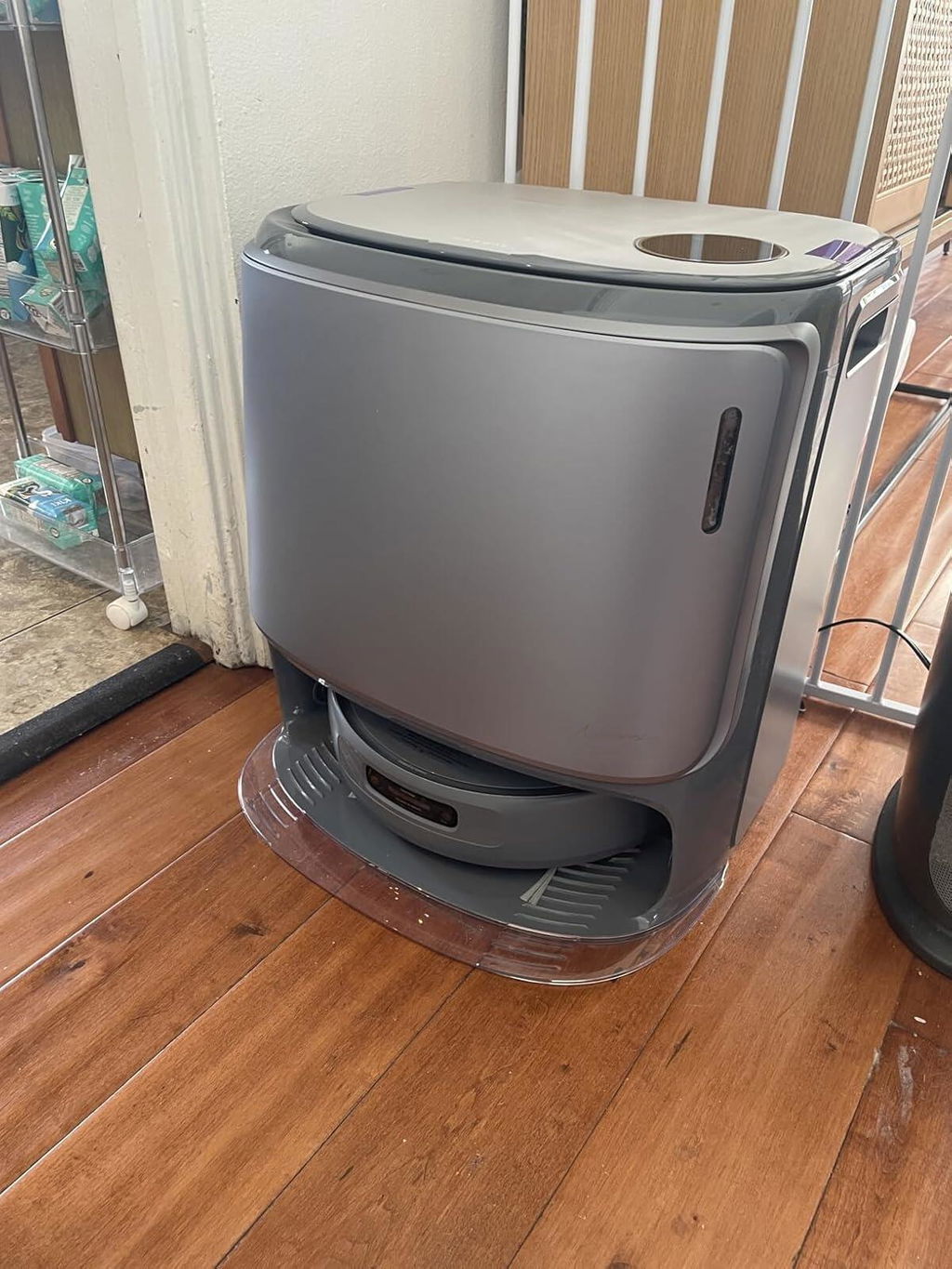
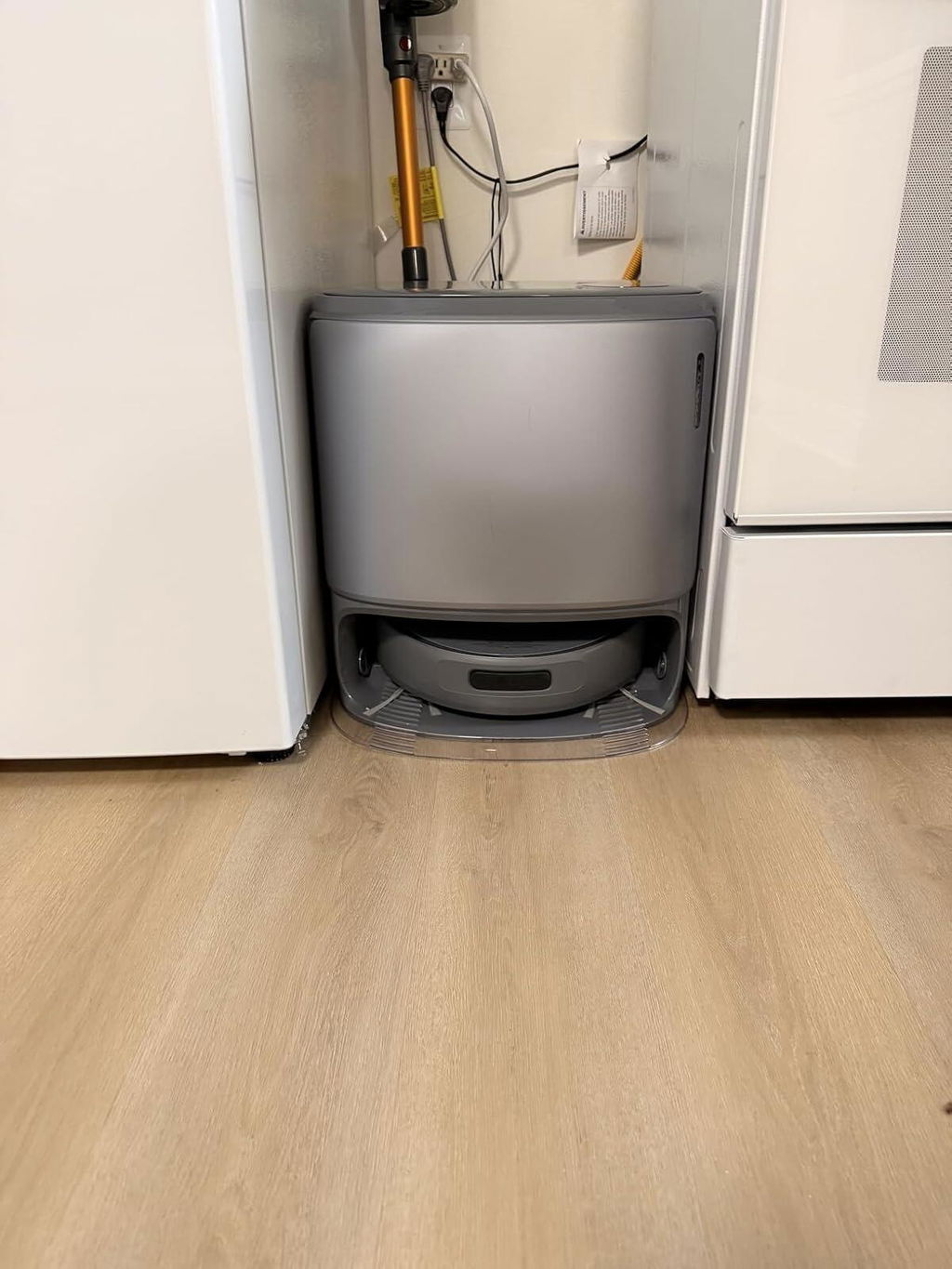
This Narwal robot is truly impressive with its strong suction and advanced mopping system. The self-cleaning and hot water wash features save so much time and effort. It navigates very well and reaches into corners better than most other robots I’ve tried. The build quality feels premium, and the app is easy to use. The only thing to keep in mind is that the station is quite large and requires more space than expected. Still, the performance is excellent, and overall it’s one of the best robot cleaners I’ve used.