




Robot vacuum privacy is a growing concern as these devices collect sensitive data while cleaning your home. From mapping room layouts to logging daily routines and capturing camera images, a robot vacuum can expose more than dust if it is not properly secured.
Quick Summary
-
Robot vacuums may collect mapping data, sensor data, usage logs, and in some cases camera footage.
-
Weak passwords, poor network security, and insecure cloud storage can increase privacy risks.
-
You can reduce exposure by updating firmware, securing your Wi-Fi, and reviewing app permissions.
-
Privacy-conscious brands should offer encryption, transparent data policies, and regular security updates.
-
Certifications such as TÜV Rheinland, ISO/IEC 27001, and ETSI EN 303 645 can help identify safer devices.
This guide explains the most common robot vacuum privacy risks, how to reduce them, and what to look for if you want a more secure device for your home.
What Privacy Risks Do Robot Vacuums Pose?
Robot vacuums make cleaning easier, but they also gather detailed information that may be sensitive. Here are the main privacy risks to understand.
Mapping Data Reveals Your Home Layout
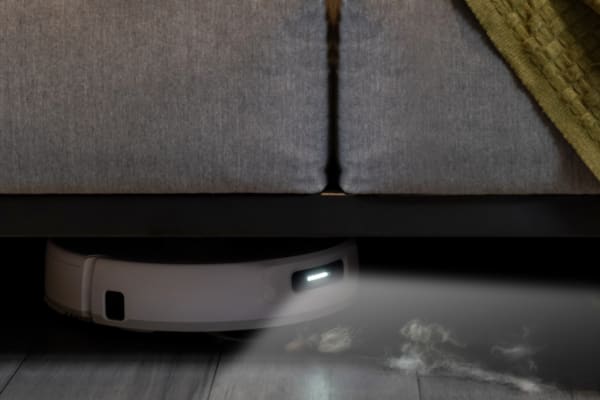
To clean efficiently, many robot vacuums use LiDAR or cameras to scan and remember your home’s layout. This helps them avoid obstacles and improve cleaning accuracy.
The downside is that this data can create a digital map of your living space, including room size, furniture placement, and other details about your home. If this information is exposed, it may reveal more about your private environment than you expect.
Sensor Data Tracks Movement in Your Home
Robot vacuum sensors help detect obstacles, dirt levels, edges, and stairs. Over time, this data can also indicate which rooms are used most often and how people move through the home.
Even if the device is not designed for surveillance, this type of tracking can still create a pattern of household activity that becomes sensitive if accessed by unauthorized parties.
Usage Data Shows Your Daily Habits
Many robot vacuums log cleaning schedules, cleaning frequency, and which zones are cleaned most often. On its own, this may seem harmless.
However, usage data can also suggest when you are away, which areas get the most traffic, and how your daily routine is structured. If this data is shared too broadly or poorly protected, it could be misused.
Camera Footage Captures Private Moments
Some advanced robot vacuums use onboard cameras for obstacle avoidance or remote viewing. These features can improve navigation, but they may also capture images of family members, pets, or private indoor spaces.
If footage is uploaded to the cloud without strong protections, it could become vulnerable to interception or unauthorized access.
Internet Connectivity Creates Entry Points for Hackers
Most robot vacuums connect to Wi-Fi so they can sync with mobile apps, support remote control, and receive firmware updates.
That convenience also creates a potential attack surface. If the device, app, or network is not properly secured, hackers may try to access the vacuum, your account, or other connected devices on the same network.
Cloud Storage Adds Another Layer of Exposure
To support functions such as remote access, map saving, and device syncing, many robot vacuums upload information to cloud servers. This can include maps, usage logs, and in some cases images.
If cloud storage is not protected with strong encryption and access controls, a breach could expose personal data to outside parties.
Poor Data Policies Increase the Risk
Privacy risks are not only technical. Some brands may be vague about what data they collect, how long they keep it, and whether they share it with third parties.
If privacy policies are unclear, users may not fully understand what they are agreeing to or how much control they actually have over their data.
|
Risk Type |
What’s Collected |
Why It Matters |
|
Home Mapping Data |
Room layout, furniture placement |
Can reveal a detailed blueprint of your home |
|
Sensor Tracking |
Movement patterns, room usage |
May expose household routines and behavior |
|
Usage Logs |
Cleaning times, zones cleaned |
Can suggest when you are home or away |
|
Camera Footage |
Images or video of your home interior |
May capture private moments or personal spaces |
|
Wi-Fi Connectivity |
Network access and app syncing |
Can become a target for cyberattacks |
|
Cloud Storage |
Uploaded maps, logs, footage |
Adds risk if cloud systems are not well protected |
|
Unclear Data Policies |
Retention, sharing, usage terms |
Can lead to unexpected or excessive data sharing |
How to Protect Your Data When Using a Robot Vacuum
Robot vacuum privacy risks are often underestimated, but there are practical steps you can take to reduce them.
Use Strong, Unique Passwords
Use a strong password for your robot vacuum account and app. Avoid simple passwords such as names, birthdays, or common words.
A stronger password should combine upper- and lowercase letters, numbers, and symbols. Using a password manager can make this easier.
Enable Two-Factor Authentication (2FA)
If the app supports it, enable two-factor authentication. This adds a second verification step, such as a one-time code sent to your phone.
Even if someone gets your password, 2FA can make unauthorized access much harder.
Regularly Update Device Firmware
Firmware updates often fix known security vulnerabilities and improve device stability. Turn on automatic updates if available, or check for updates regularly in the app.
Outdated firmware can leave your robot vacuum exposed to risks that manufacturers have already patched.
Monitor Your Device’s Activity
Check the device history and activity logs in the app from time to time. Look for unusual cleaning sessions, unknown login attempts, or settings changes you did not make.
Spotting suspicious behavior early can help you secure the device before the issue gets worse.
Secure Your Home Network
Because your robot vacuum connects to Wi-Fi, home network security matters. Use a strong Wi-Fi password and enable WPA3 encryption if your router supports it.
You should also change your router’s default admin password. For added protection, place smart home devices on a separate guest or IoT network instead of the same network as your phone or laptop.
Set Up a Virtual Private Network (VPN)
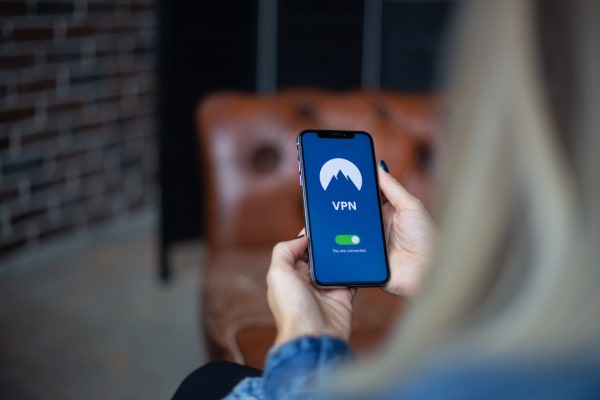
If your device relies on cloud communication, a VPN can add another layer of privacy by encrypting your internet traffic and masking your IP address.
This can make it harder for attackers to monitor data moving between your home network and online services.
Review and Adjust Data Sharing Settings
Check the privacy and data-sharing options in your robot vacuum app. Some devices allow you to limit what is shared with the manufacturer or third parties.
If you do not need features such as map saving, diagnostic uploads, or remote camera access, disabling them can reduce the amount of sensitive information being collected.
Disconnect When Not in Use
If you are not using remote features, consider disconnecting the device from Wi-Fi when it is not needed.
This reduces the amount of time the vacuum is exposed to online threats, although it may limit app-based functions.
Choose Robot Vacuums With Strong Privacy Practices
When buying a robot vacuum, look for brands that prioritize data protection. Features such as encryption, clear privacy policies, user-controlled settings, and regular security updates are strong indicators.
Narwal focuses on privacy protection by offering secure communication, transparent data practices, and controls that let users manage how much data is shared.
Check the Sensor Type
Before buying, understand what sensors the robot vacuum uses. Some models rely on LiDAR, while others use cameras or additional smart sensors.
If a model uses cameras, check whether it includes controls such as camera disable settings or physical covers to reduce privacy concerns.
Read the Privacy Policy
A privacy policy should explain what data is collected, how it is used, how long it is stored, and whether it is shared with third parties.
Reading this before purchase can help you avoid devices with vague or overly broad data practices.
Restore to Factory Settings
If you plan to sell, give away, or stop using your robot vacuum, restore it to factory settings first. This can erase saved maps, account links, and other personal data.
A factory reset is also a useful step if you suspect the device has been compromised.
How Narwal Ensures Privacy and Security
Narwal protects robot vacuum users through data security measures and user-controlled privacy settings. For customers in Australia, Narwal is committed to aligning with regional data protection expectations.
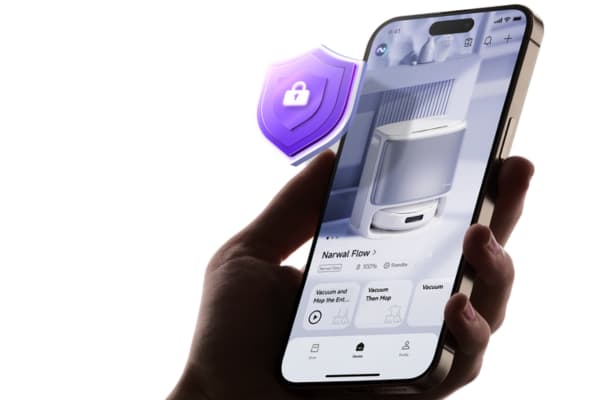
Data Encryption and Secure Communication
Narwal encrypts data during transmission and storage. This includes data exchanged between the vacuum and the mobile app, as well as data stored in the cloud.
Devices such as the Narwal Freo Z10 and Freo Z Ultra use secure communication protocols to help protect information such as home layouts and cleaning history from unauthorized access.
Authentication and Access Controls
Narwal uses authentication measures so that only verified users can access and control the device.
This includes password-based account access and optional two-factor authentication where supported. For camera-equipped models, Narwal also provides physical covers and software-based controls so users can disable camera functions when needed.
Transparency in Data Collection and Usage
Narwal gives users visibility into what data is collected and how it is used. Users can review and adjust data-sharing settings in the app based on their privacy preferences.
Functions such as map saving and camera access can be managed directly by the user, which helps balance convenience and privacy.
Ongoing Security Updates and Risk Monitoring
Narwal regularly releases firmware updates to address known vulnerabilities and improve device security.
Users can apply updates manually or enable automatic updates through the Narwal app, helping reduce exposure to emerging threats.
Certifications That Prove Privacy Protection for Robot Vacuums
Certifications can help you identify robot vacuums that meet recognized security and privacy standards.
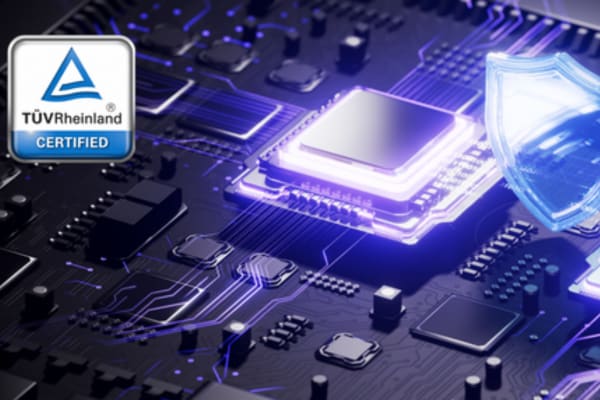
TÜV Rheinland Certification: Network Security and Data Protection
TÜV Rheinland is a recognized certification body that evaluates products for security and data protection. A robot vacuum with TÜV Rheinland certification has been assessed against security requirements related to data protection and network safety.
This can provide extra confidence that the device follows established security practices.
ISO/IEC 27001 Certification: Information Security Management
ISO/IEC 27001 is an international standard for information security management systems. It shows that an organization follows structured processes for managing and protecting sensitive information.
For consumers, this certification can indicate that a brand takes data protection seriously at the organizational level.
ETSI EN 303 645 Certification: IoT Security Standard
ETSI EN 303 645 is a cybersecurity standard designed for internet-connected consumer devices. It focuses on common risks in IoT products, including default passwords, data security, and vulnerability management.
For robot vacuums, this certification is a useful sign that the product was designed with connected-device security in mind.
What Are the Laws That Protect My Data?
Data protection laws set rules for how companies collect, use, store, and share personal information. They typically require transparency, user rights, and reasonable security safeguards.
Examples include the GDPR in Europe and the CCPA in the United States. These laws give people more control over their personal data and hold companies accountable for how it is handled.
Frequently Asked Questions
Do robot vacuums comply with Australia’s data privacy laws?
It depends on the brand and model. In Australia, privacy is regulated under the Privacy Act 1988 and the Australian Privacy Principles (APPs). Trusted brands should provide clear privacy practices, secure data handling, and user controls that support compliance expectations.
Which robot vacuums are safer for families with kids or pets?
Look for models that offer strong privacy controls, such as the ability to disable cameras, limit cloud data sharing, and manage permissions in the app. These features can help reduce privacy risks in busy family homes.
Can robot vacuums work without a cloud connection?
Some robot vacuums can still perform basic cleaning functions with limited or no cloud access. However, features such as app control, remote scheduling, map sync, and firmware updates usually require an internet connection.
Are camera-based robot vacuums less private than LiDAR models?
Camera-based models may raise more privacy concerns because they can capture images of your home interior. LiDAR-based models still collect mapping data, but they generally do not record visual footage in the same way.
Protect Your Privacy With Confidence
Robot vacuums bring convenience, but they can also collect sensitive data about your home and habits. The good news is that you can reduce privacy risks with a few practical steps, such as using strong passwords, securing your Wi-Fi, limiting data sharing, and keeping your device updated.
When choosing a robot vacuum, look for brands that take privacy seriously through encryption, clear policies, regular security updates, and user-controlled settings. Narwal is committed to helping users enjoy a smarter and more secure cleaning experience.
Explore Narwal Australia for robot vacuum solutions designed with privacy and security in mind.

